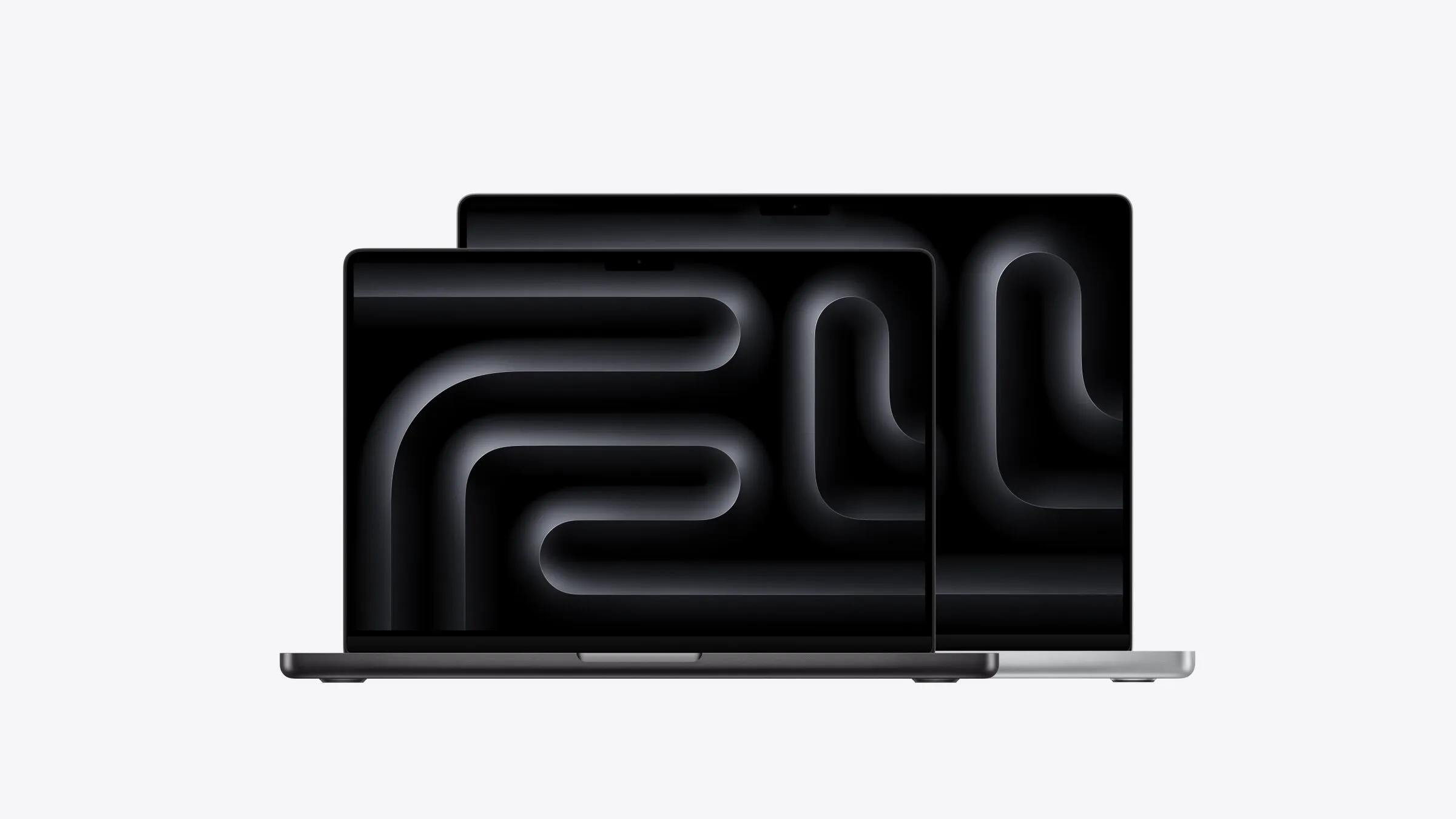
MacBook Neo: Who Apple's Cheapest Mac Is For
What $1,049 gets you, what Apple cut to get there, and the one limit that decides whether it's right for you.

Before the MacBook Neo, the cheapest Mac laptop was the MacBook Air, which now starts at $2,099. The Neo halves that. At $1,049, it’s a proper Mac with an aluminium body, a sharp 13-inch screen and macOS, built around the same kind of chip as an iPhone. The question is what Apple left out to hit that price, and whether it matters to you.
For students and people who use a laptop a few times a week, it mostly doesn’t. The Neo handles essays, browsing, video calls and photos well, and it’s cheaper to replace if it’s dropped or left on a bus. The real compromise is memory: it has 8GB, and that can’t be upgraded. For anyone who works on a laptop all day, that’s reason enough to spend the extra on an Air.
I haven’t used a Neo, but I know what 8GB is like to live with: my M1 MacBook Air has it, and memory is always the first thing to run out. This guide covers who the Neo suits, what you get for $1,049, where it’s cut back from the Air, and how to choose between them.
Who it’s for
The Neo makes the most sense for students. School and university work is mostly writing, research, video calls and a browser, and the Neo does all of that comfortably. It should last three or four years, it’s light enough to carry all day, and at $969 with education pricing, losing or breaking one isn’t a disaster.
It’s also a good fit for occasional users: people who open a laptop a few times a week for email, banking, online shopping and photos. Many parents and grandparents fall into this group, and for them the Air’s extra power and memory would mostly go unused.
Where it falls down is all-day work. If you keep lots of tabs and apps open, jump between video calls and documents, or want a laptop that lasts more than about four years, the MacBook Air is the better buy.
The catch: 8GB of memory
The Neo comes with 8GB of memory, there’s no option for more, and memory can’t be added later. Of everything Apple cut to reach $1,049, this is the one that matters most.
8GB is fine for doing one or two things at a time. It isn’t enough for a full working day of browser tabs, video calls and apps open side by side, and the gap grows as apps get bigger over the years. If that sounds like your working day, buy the Air instead.
What you get for $1,049
The chip is the A18 Pro, from the iPhone family, with a 6-core CPU. It’s plenty for everyday work, and with no fan, the Neo is completely silent. The 13-inch screen reaches 500 nits, as bright as the MacBook Air’s, and it’s only slightly less sharp. At 1.23kg, it weighs the same as the 13-inch Air, and Apple quotes up to 16 hours of video playback.
It comes in four colours: silver, blush, citrus and indigo. The $1,049 model has 256GB of storage. For $1,249, you get 512GB and a Touch ID fingerprint sensor in the keyboard. The extra storage is worth it for anyone who keeps photos on the laptop, and Touch ID makes logging in and paying online quicker.
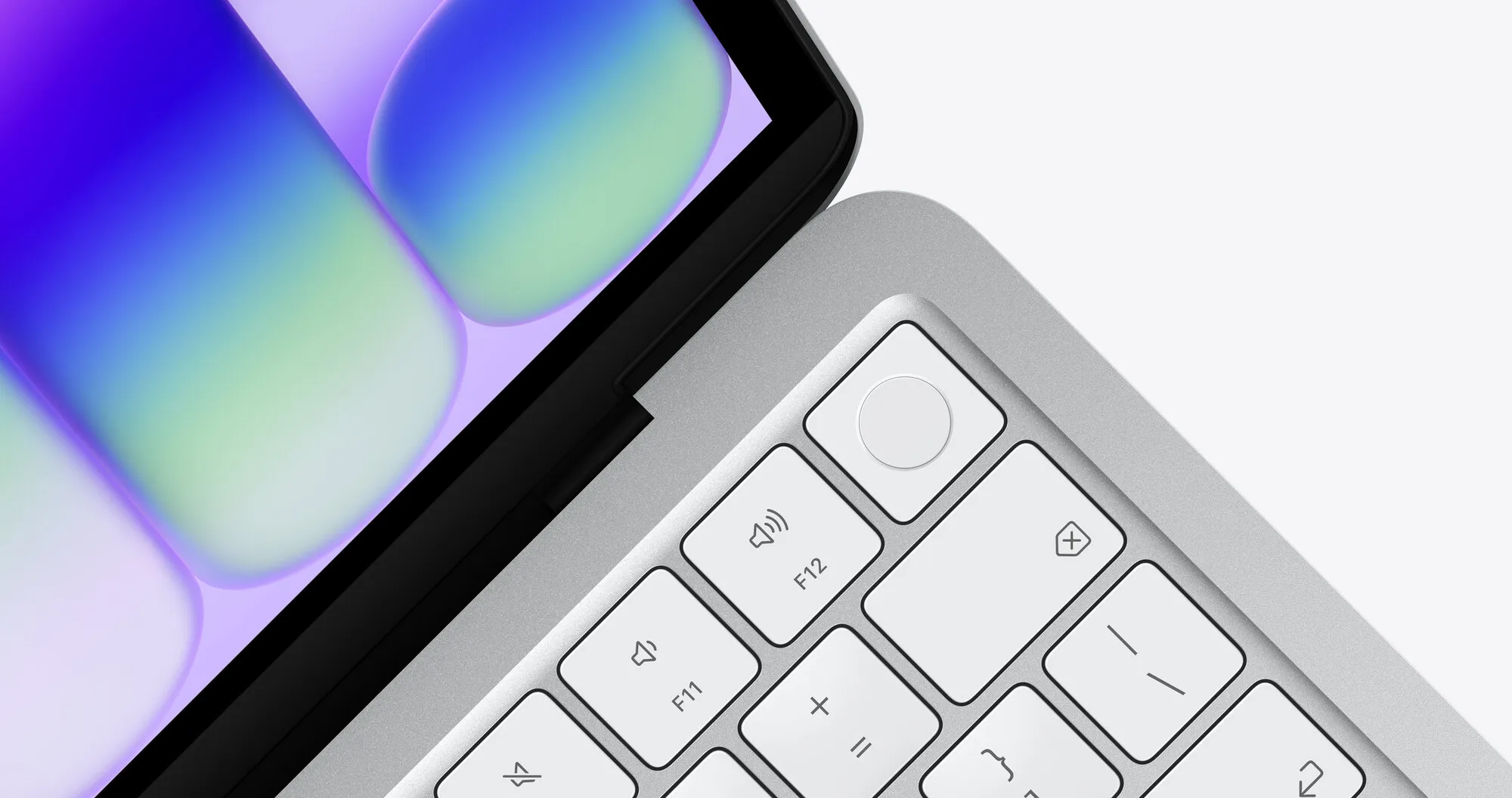
Touch ID comes with the 512GB model. Image: Apple
Where it’s cut back from the Air
Beyond memory, the cuts are mostly about connections. The Neo has two USB-C ports, but one is the slower USB 2 kind, which is fine for a mouse or keyboard and too slow for a fast external drive. There’s no MagSafe charging port, and it supports one external display, up to 4K. It has Wi-Fi 6E rather than the Air’s Wi-Fi 7, which most home internet connections won’t notice.
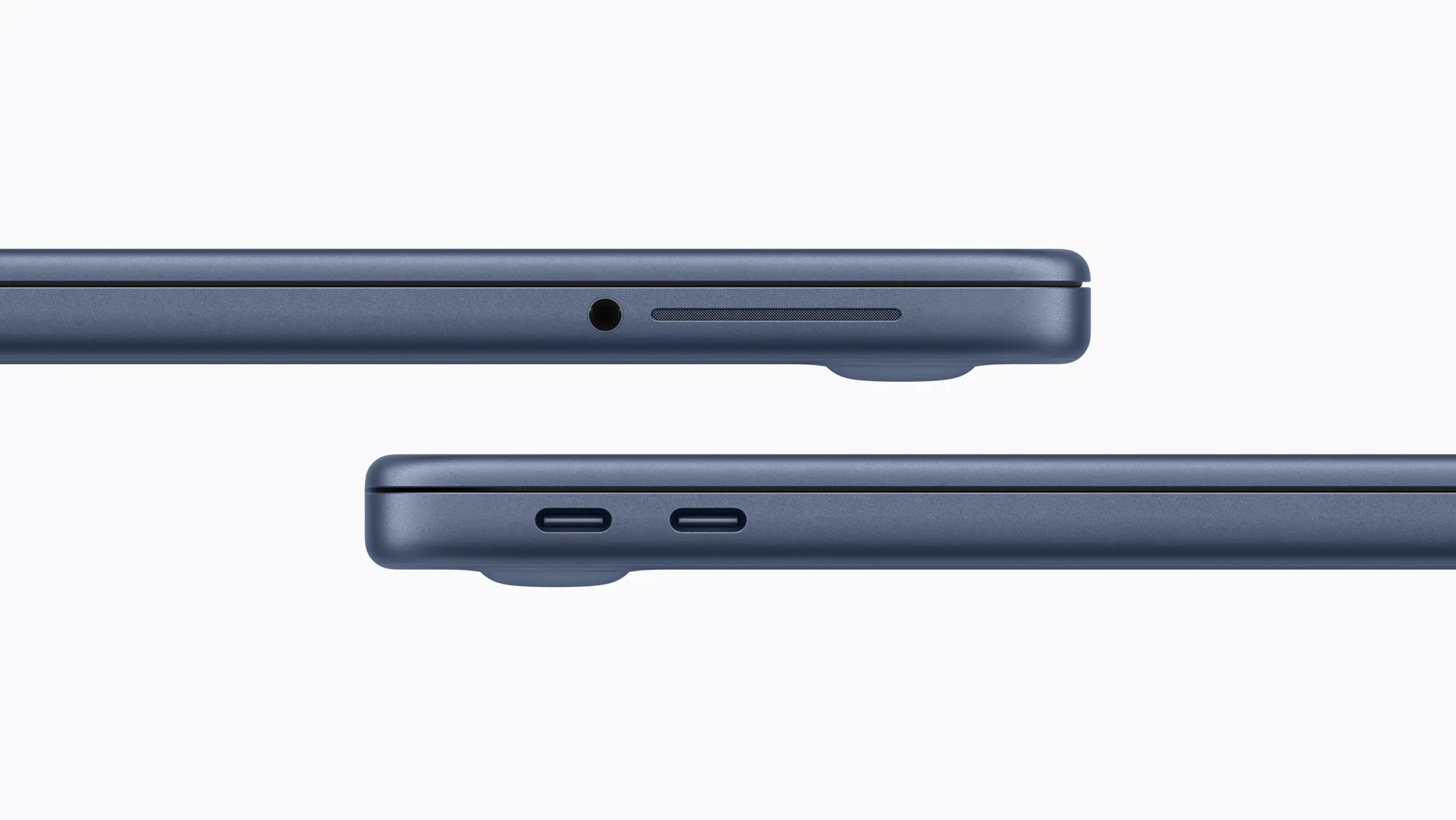
Two USB-C ports and a headphone jack; only one of the USB-C ports is fast. Photo: Apple
Full details are on Apple’s MacBook Neo tech specs page.
Neo or Air?
The MacBook Air costs $1,050 more. For that, you get twice the memory and storage, a faster chip, better ports and several more years of useful life. If the laptop is your daily work tool, that’s money well spent.
If it’s a homework machine or a once-a-week computer, the Neo is the smarter buy, and the money saved can go towards something else.
For the rest of the range, see which Mac to buy.