M6 iMac: Bring Back the Family Computer
Seven colours, a 24-inch 4.5K screen and an M6 chip from $2,399, and a good argument for putting a computer back in the kitchen.
Most homes have more screens than ever, and nearly all of them are personal: a phone in every pocket and a laptop in every bedroom. In the early 2000s, plenty of homes had one computer, in the study or a corner of the lounge room, and everyone took turns.
That shared family computer deserves a comeback, and the iMac is the one to bring it back with. It’s simple enough for anyone in the house to use, and bright and good-looking enough to live out in the open, where homework and screen time are easy to keep an eye on. The M6 model starts at $2,399.
This guide covers the case for a family computer, which of the two iMacs to buy, and when a Mac mini or MacBook makes more sense.
The case for a family computer
The strongest argument is visibility. Homework done on an iMac in the kitchen or an office nook happens in the open, where it’s easy to see what’s on the screen and how long it’s been on. No laptop disappears into a bedroom after dinner, and screen time becomes something the family shares rather than something each person does alone.
A shared computer also handles the everyday jobs that don’t need a personal device: life admin, recipes while cooking, the family photo library, a YouTube video, and a few casual games for the kids. For the less technical people in the house, it’s simpler than a laptop. There’s nothing to charge, each person can have their own account, and the big screen is easy to read.
It’s also a lovely object. In bright colours with a slim screen, it’s one of the few computers that looks good in a kitchen.
Who it’s for
The iMac suits families who want one shared computer in a common space, and casual users who want a simple computer at home that doesn’t need to travel. It’s an easy computer to set up and leave alone for years.
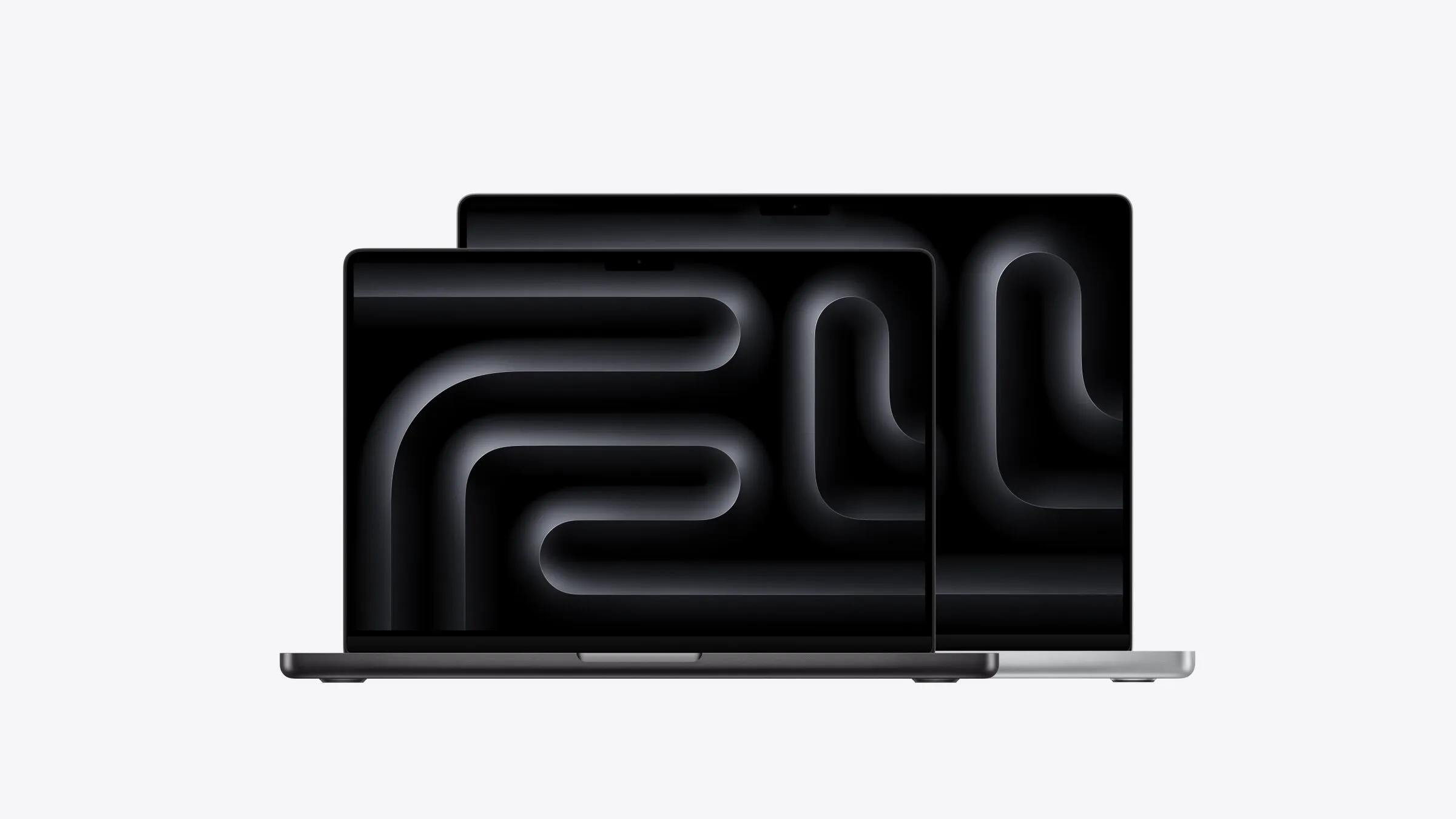
It’s less compelling if you already own a good monitor, because a Mac mini costs less and works with any screen. And if someone in the house needs a computer that moves, a MacBook Air is the better choice, or a MacBook Neo for the kids.
Which iMac to buy
There are two versions, both with the M6 chip and the same 24-inch 4.5K screen. The difference is in the connections.
The 10-core model, from $2,399, has two Thunderbolt ports and supports one external display. For a family computer, that’s plenty. The 12-core model, from $2,699, has four Thunderbolt ports, built-in 2.5Gb Ethernet (an option on the 10-core), support for two external displays and the option of nano-texture glass that cuts glare. It’s worth the extra if the iMac will sit near a bright window, or if you want it to last as long as possible.
Both start with 16GB of memory and 256GB of storage. For a shared computer that holds the family photo library, 512GB is the better choice. The 10-core model goes up to 24GB of memory and 1TB of storage, and the 12-core up to 32GB and 2TB.
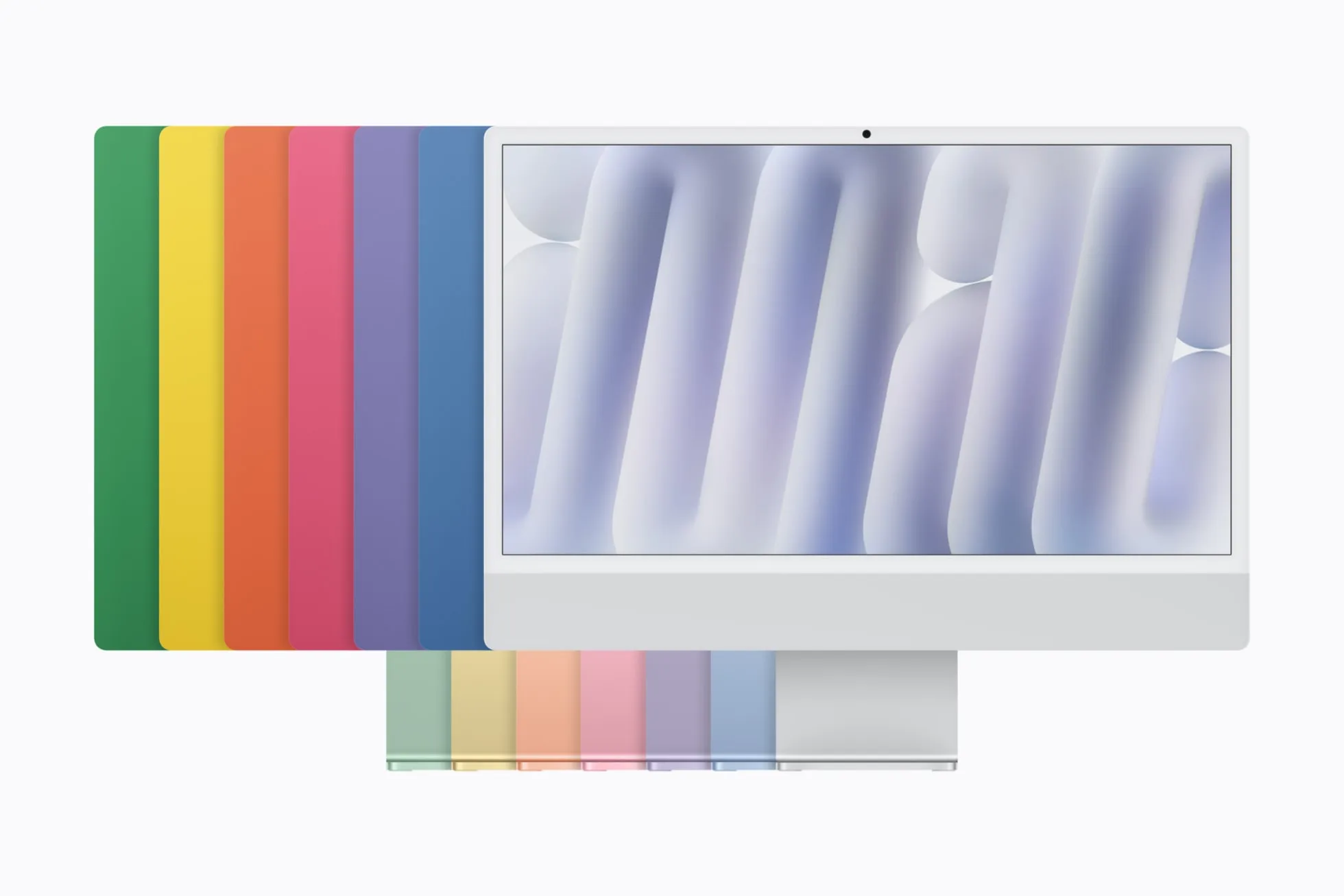
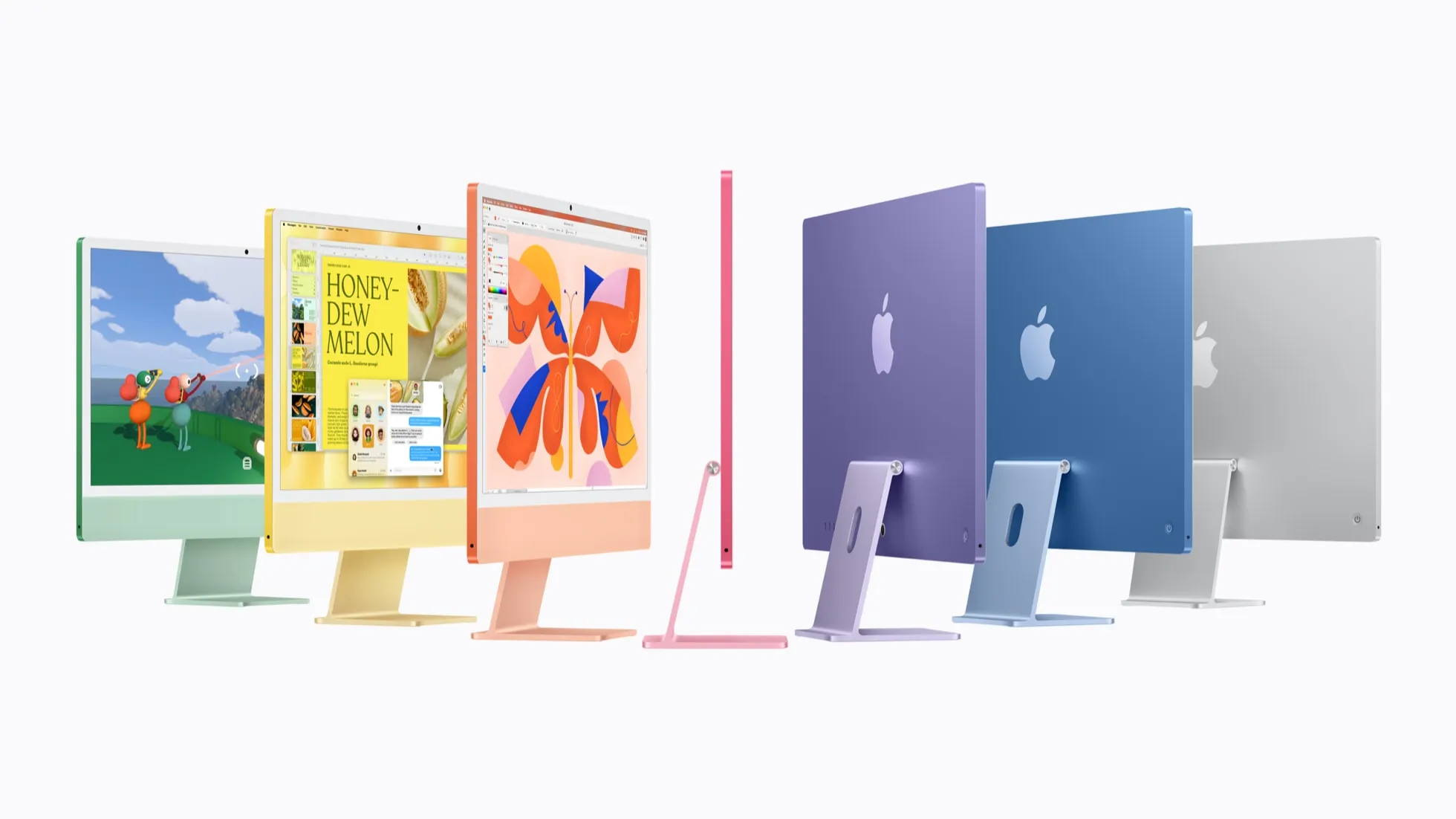
The iMac in its colours, front and back. Photo: Apple
What you get
The 24-inch 4.5K screen is sharp and bright enough for photos and video, and the 12MP camera keeps everyone in frame on video calls, which is handy when the whole family wants to say hello to the grandparents. It comes in seven colours: blue, purple, pink, orange, yellow, green and silver. Wi-Fi 7 and Bluetooth 6 round it out.
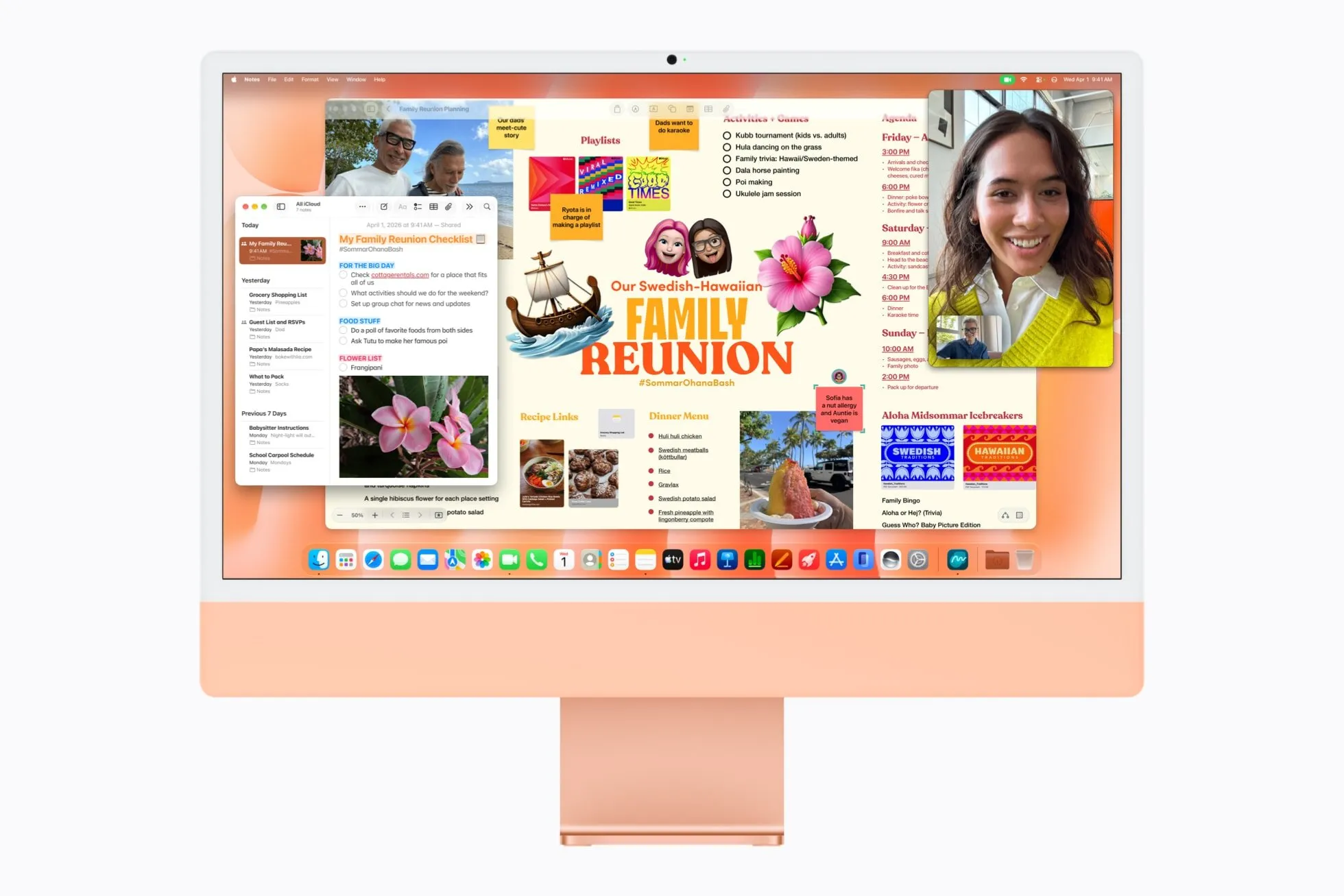
FaceTime and Freeform on the iMac. Photo: Apple
Full details are on Apple’s iMac tech specs page.
The alternatives
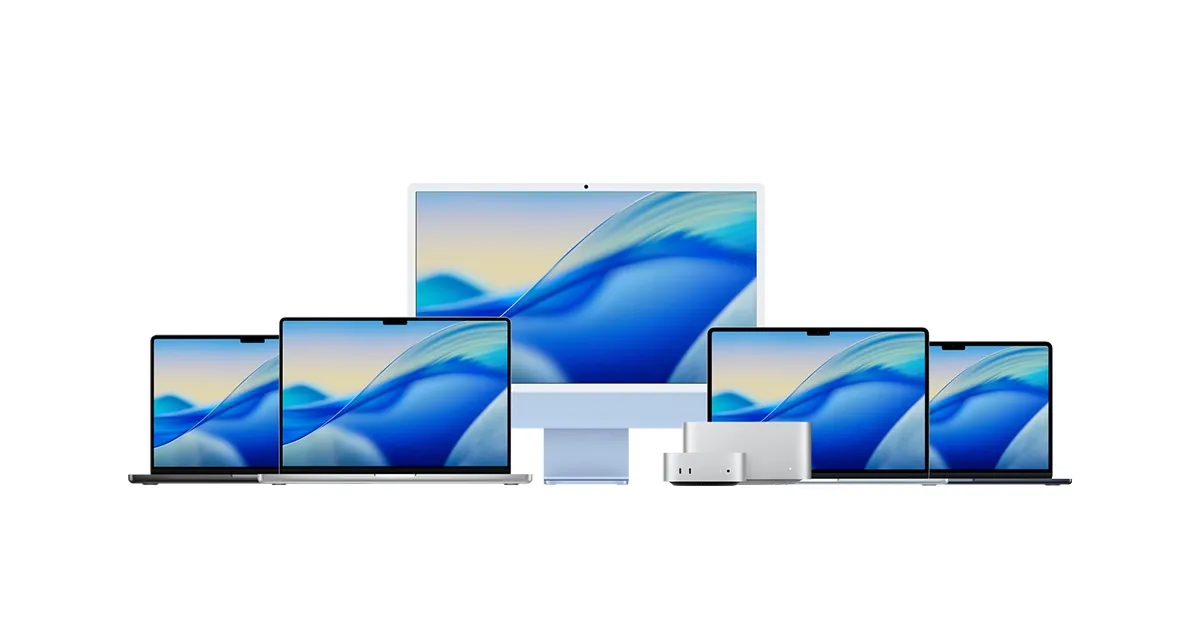
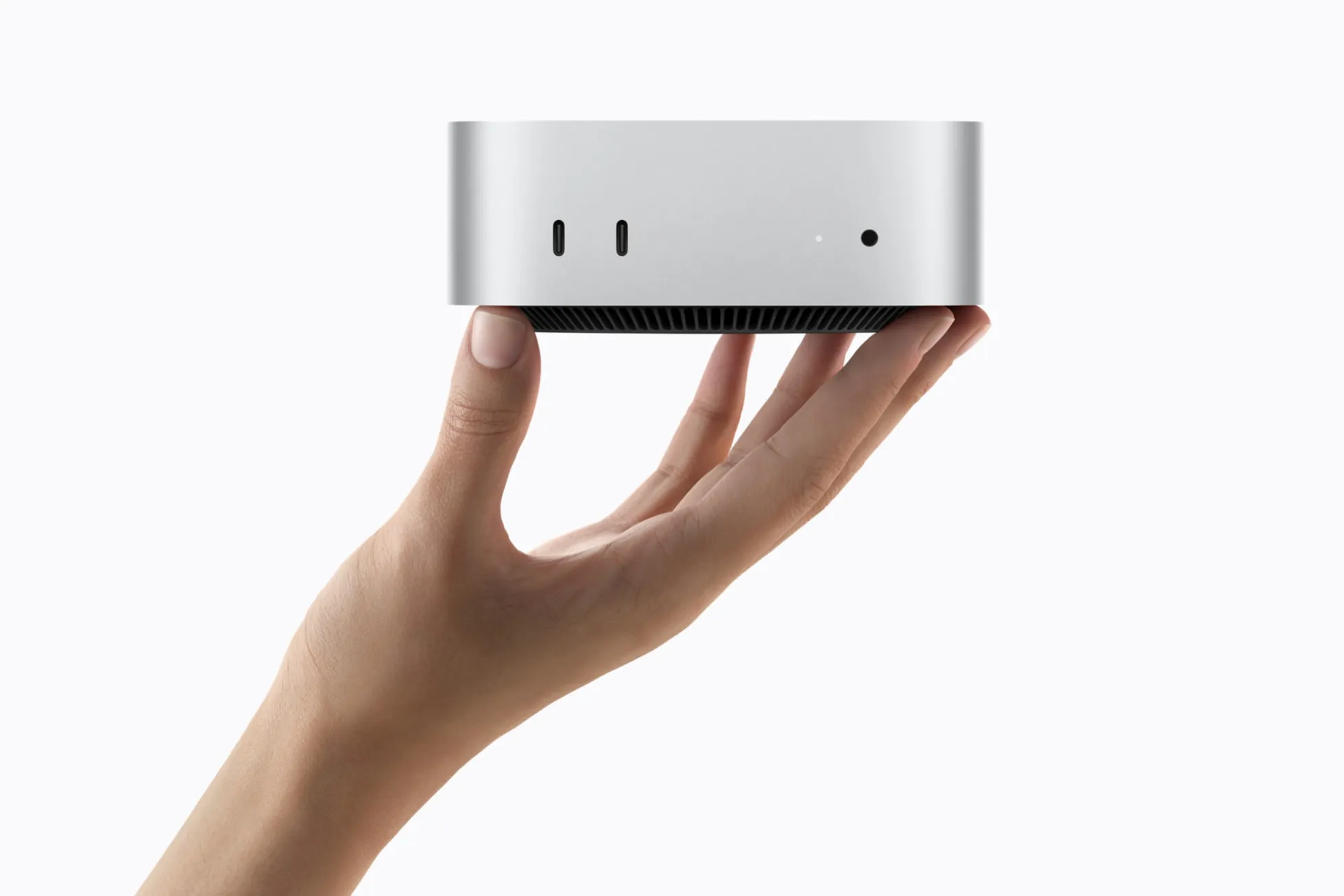
The Mac mini uses the same M6 chip in a small box, for less, and is the better buy if you already have a screen or want more power for the money. For one person who needs a computer that goes everywhere, the MacBook Air is the right choice.
For the whole range, see which Mac to buy.
Previous models
The current colourful design arrived with the M1 in 2021. The M3 followed in 2023, the M4 in 2024 and the M6 in 2026. Any of them with 16GB of memory still makes a good family computer.