Which Mac Should You Buy?
From the $1,049 MacBook Neo to the Mac Studio, matched to the people each one suits, plus the setup that works best for working from home.
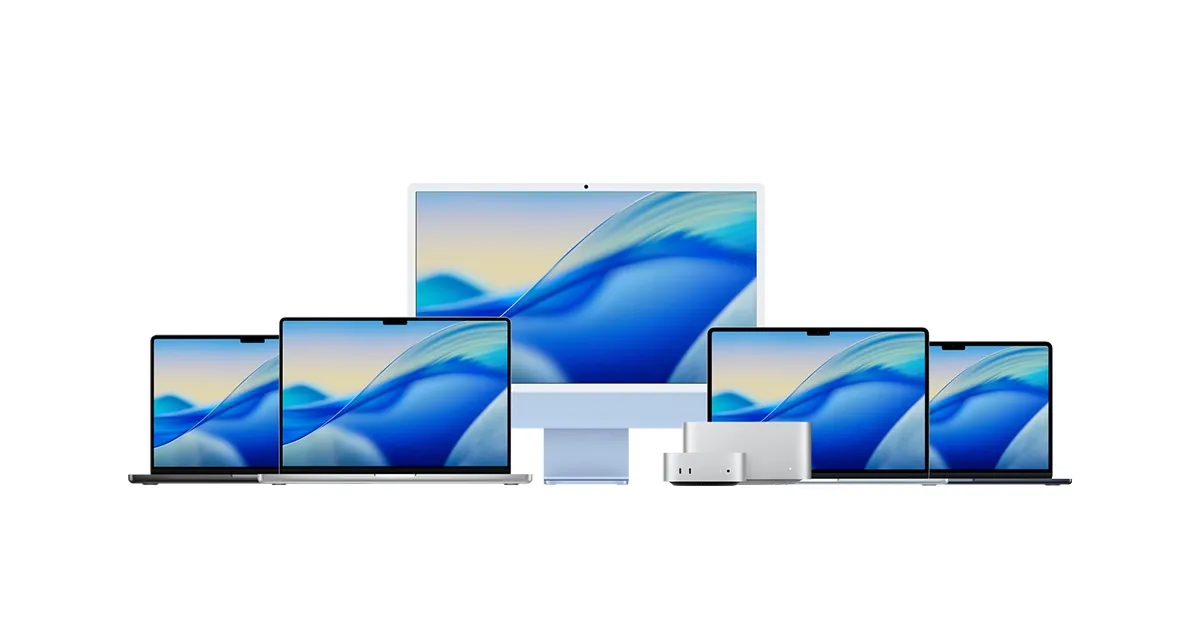
Buying a Mac used to be simple: a MacBook for most people, a Pro for professionals, an iMac for the desk. Apple now sells six Macs, from the $1,049 MacBook Neo to a Mac Studio that costs $9,499 with its top chip, along with three versions of the MacBook Pro and a mix of M5 and M6 chips. Most of them are excellent. The hard part is working out which one you actually need, and how much memory and storage to buy, since neither can be changed later.
For most people, the answer is a MacBook Air with at least 16GB of memory and 512GB of storage, kept for five to seven years. The rest of the range makes sense for specific people: students on a budget, families who want a shared computer, people who work from a desk at home, and professionals whose work genuinely needs the power.
I’ve used Macs since the original MacBook Air in 2008, upgrading my own laptop a few times along the way and getting a new work Mac every few years. For a long time my personal machine was an M1 MacBook Air, alongside a run of MacBook Pros at work. Now an M6 Mac mini on my desk does most of the work, and the Air has moved to the couch and the café. Running out of memory on that Air shapes a lot of the advice below. This guide covers each Mac and who it’s for, the setup that works best for working from home, and how much memory to buy so your Mac lasts.
The quick answer
If you only read one section, make it this one. Each Mac below is matched to the person it suits best, with its starting price in Australia.
| If you… | Buy | From |
|---|---|---|
| Are a student, or only use a laptop a few times a week | MacBook Neo | $1,049 |
| Want one computer for work, study and life | MacBook Air | $2,099 |
| Work from home at a desk and enjoy tech | Mac mini | $1,449 |
| Want a shared family computer | iMac | $2,399 |
| Edit video, build software or do heavy creative work on the go | MacBook Pro | $3,199 |
| Export video all day or run large AI models locally | Mac Studio | $4,299 |
The range, from entry to top
MacBook Neo: for students and occasional users
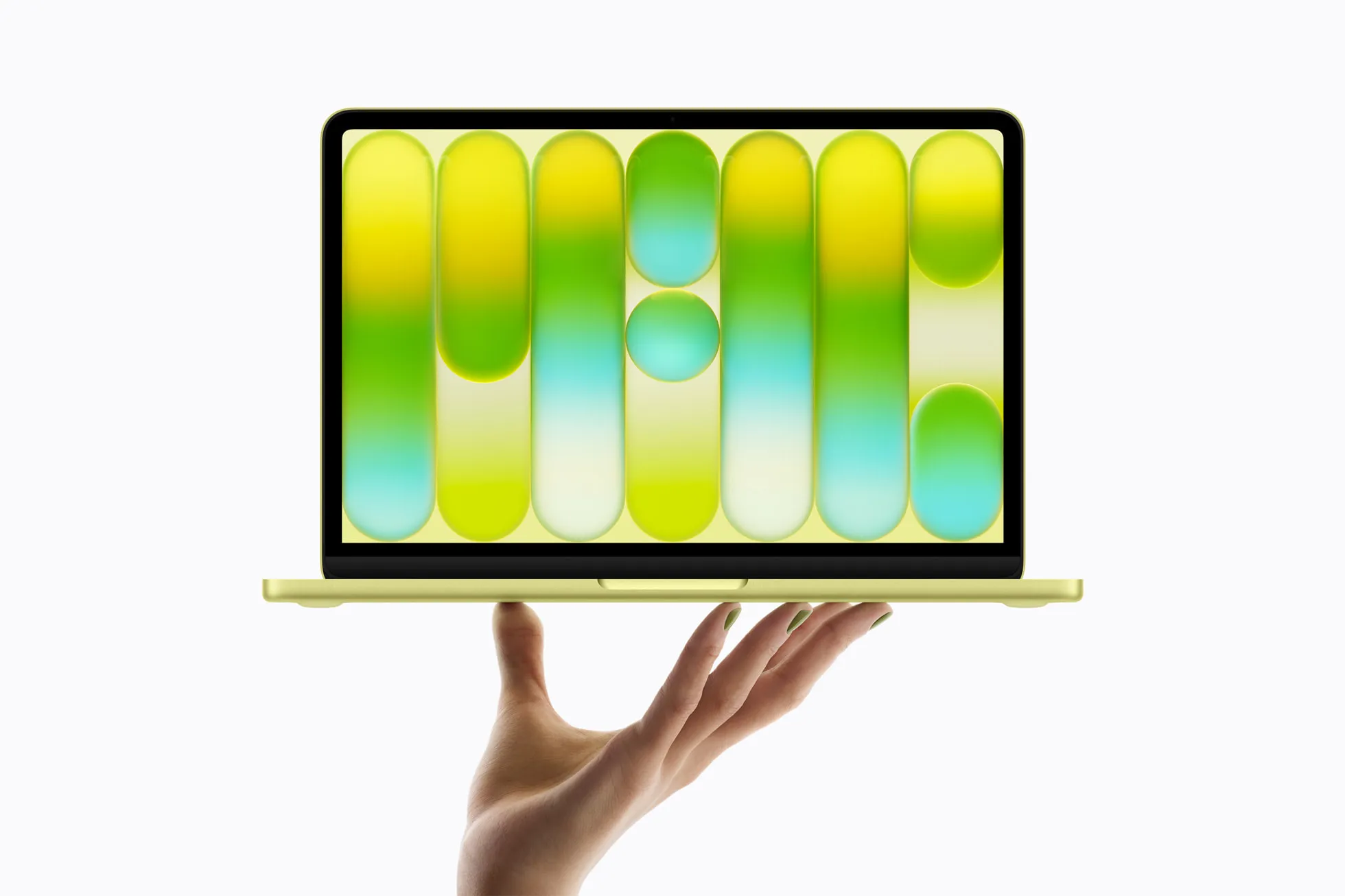
The MacBook Neo in citrus. Photo: Apple
The MacBook Neo is Apple’s cheapest Mac, built around an iPhone chip. At $1,049 it handles essays, browsing, video calls and photos comfortably, it should last three or four years, and it’s less painful to replace if it’s dropped or left on a bus. It also suits people who only open a laptop a few times a week, which describes a lot of parents and grandparents.
The catch is its 8GB of memory, which can’t be upgraded. That’s fine for doing one or two things at a time, but not for a full working day of tabs and apps. More on the MacBook Neo.
MacBook Air: for almost everyone
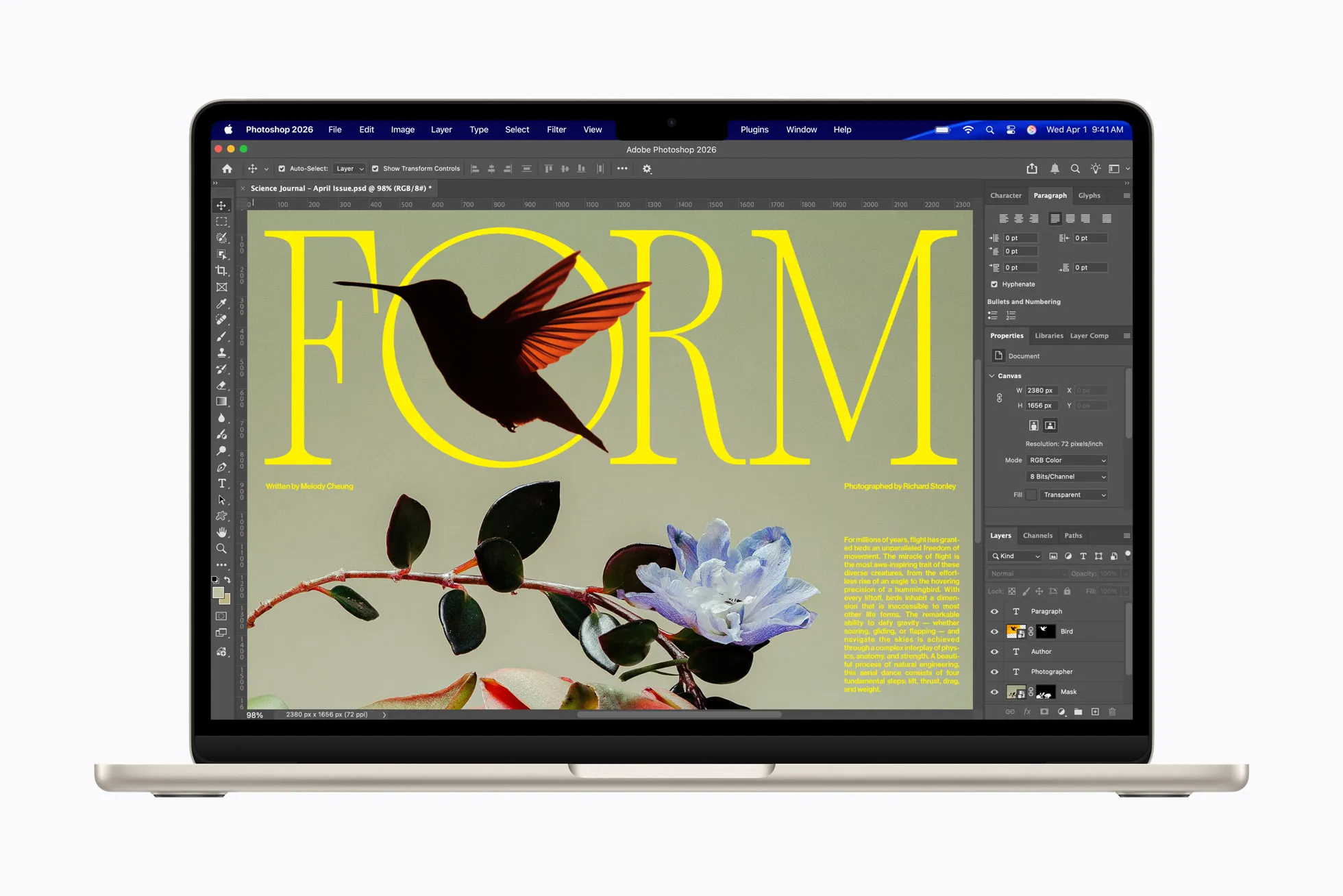
The 13-inch MacBook Air in starlight. Photo: Apple
The MacBook Air is the Mac most people should buy. The M5 model starts with 16GB of memory and 512GB of storage, which is the spec worth paying for anyway, from $2,099 for the 13-inch and $2,499 for the 15-inch. It’s thin, light and silent, the battery lasts well beyond a working day, and it’s fast enough for almost anything outside professional video and software work. More on the MacBook Air.
Mac mini: for people who work at a desk
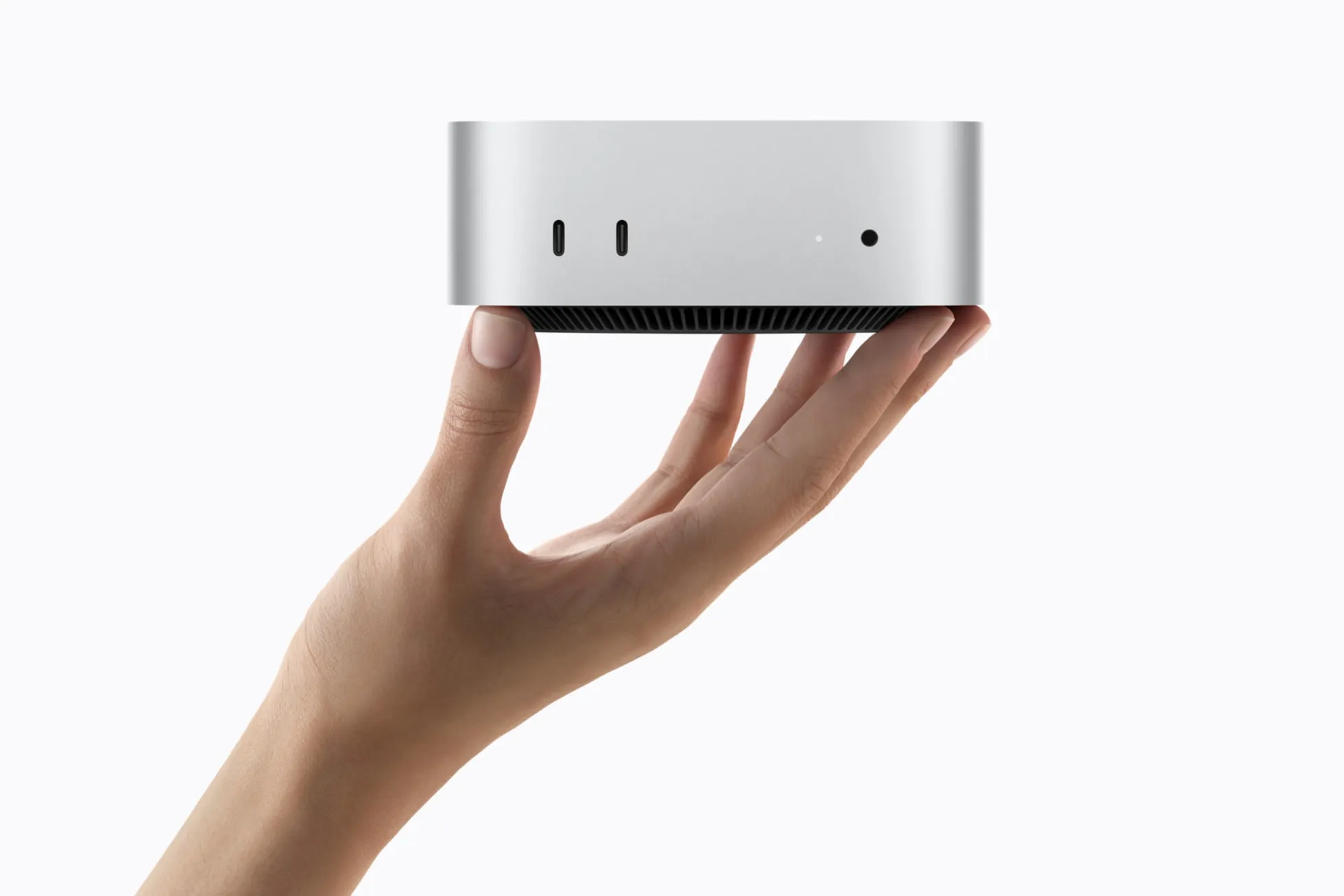
The Mac mini. Photo: Apple
The Mac mini is the best value Mac. If your real work happens at a desk, it gives you more power for the money than any Mac laptop, starting at $1,449 with the M6 chip, or $2,699 with the M5 Pro for developers and photographers. It’s the computer I use most, and when it eventually retires from desk duty, it makes an excellent home server. More on the Mac mini.
iMac: for the family computer
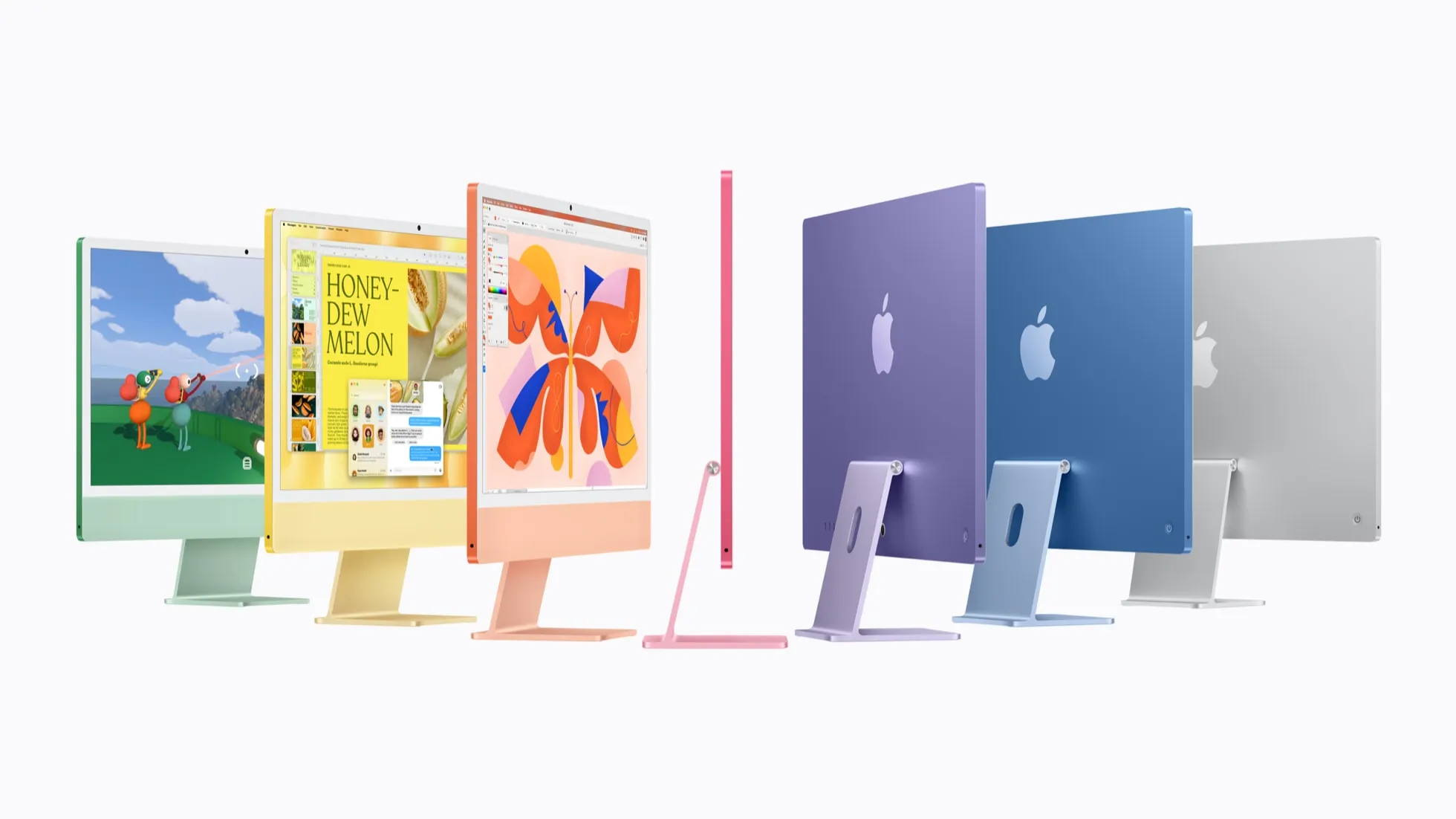
The iMac in its seven colours. Photo: Apple
In the early 2000s, plenty of homes had one computer that everyone shared. The iMac makes a strong case for bringing that back: one colourful, simple computer in the kitchen or an office nook, where homework happens in the open and laptops stay out of bedrooms. It doubles as a handy screen for recipes, life admin and the odd YouTube video. It starts at $2,399. More on the iMac.
MacBook Pro: for professionals
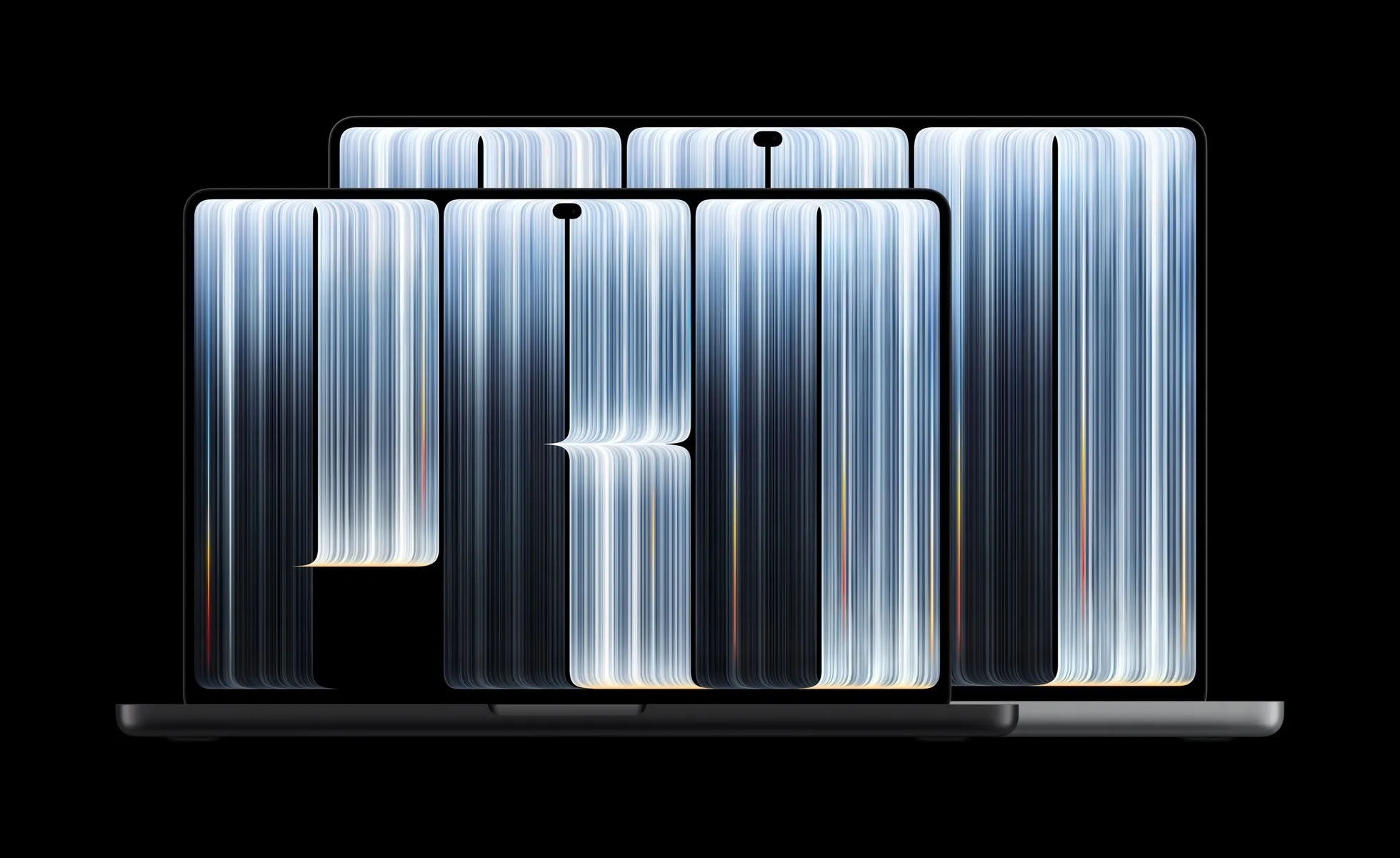
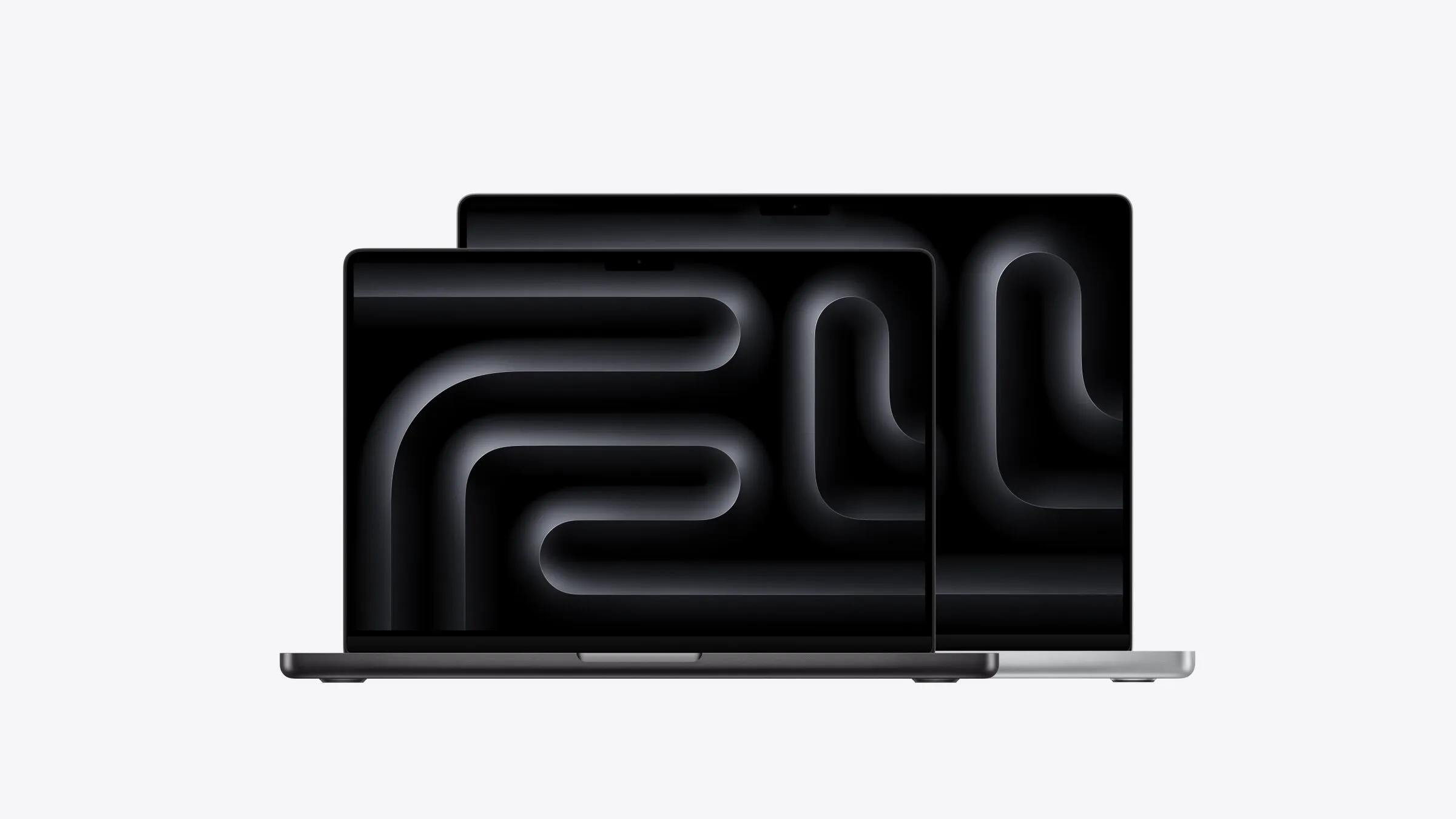
The 14- and 16-inch MacBook Pro. Photo: Apple
The MacBook Pro is Apple’s most capable laptop, from $3,199. For editing video or large photo libraries, building software or other demanding creative work that has to travel, it’s worth every dollar. For office work, even a full day of it, the Air is lighter, quieter and at least $1,100 cheaper. More on the MacBook Pro.
Mac Studio: for the heaviest work
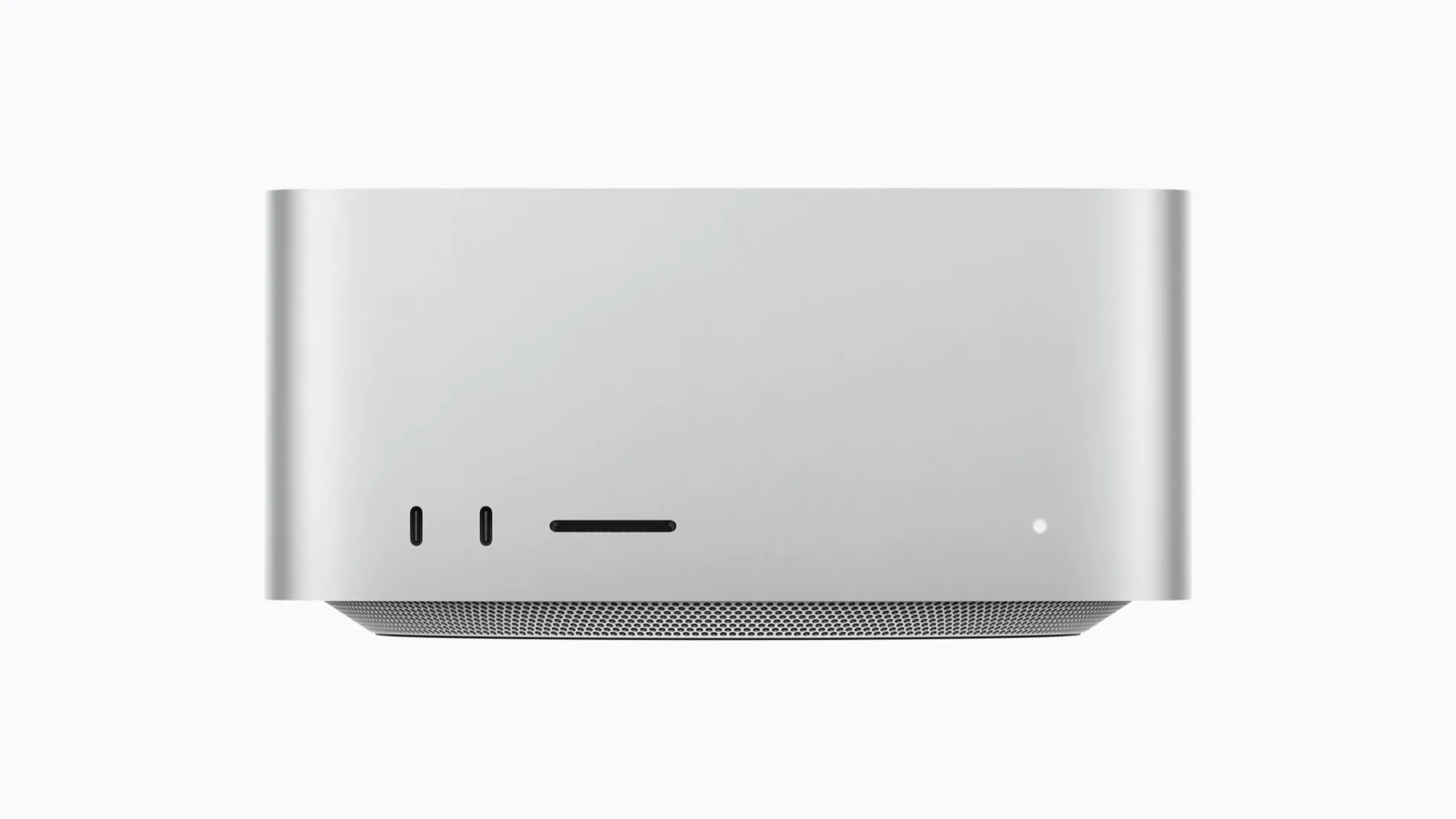
The Mac Studio. Photo: Apple
The Mac Studio is Apple’s most powerful desktop, from $4,299 with the M5 Max or $9,499 with the M5 Ultra. It earns that price for people who export video every day or run large AI models on their own hardware, ideally with a business paying. For everyone else, it’s an impressive machine they don’t need. More on the Mac Studio.
The best setup for working from home
For people who work from home and enjoy tech, a Mac mini and a MacBook Air together are hard to beat. The Mac mini sits on the desk and does the real work, connected to a proper monitor, keyboard and mouse. The Air goes to the couch, the café and the occasional meeting, and when it needs more power, it can connect to the Mac mini remotely.
The neat part is that the laptop can be older or lower spec than you’d normally accept, because it isn’t doing the heavy lifting. My M1 Air with 8GB struggles when it has to run everything itself, but as a window into the Mac mini it’s still perfectly good. Together, a Mac mini and a modest Air can cost less than a high-end MacBook Pro.
How much memory and storage to buy
Memory and storage age a Mac far faster than its chip does. The chip in my M1 MacBook Air has never held it back, but its 8GB of memory and 256GB of storage run out constantly. Neither can be upgraded after you buy a current Mac, so it pays to buy for where you’ll be in five years rather than where you are now.
As a rough guide:
- 8GB: only on the MacBook Neo, and only for light use.
- 16GB and 512GB: the minimum for anyone who uses a Mac every day.
- 24GB to 32GB: for lots of open apps, AI tools, or keeping the Mac for seven years or more.
- More: for professional work, on a MacBook Pro, a Mac mini with M5 Pro, or a Mac Studio.