M5 Mac Studio: Brilliant, and Almost Nobody Needs One
How the M5 Max and M5 Ultra differ, what all that memory is for, and the point where a Mac mini stops being enough.
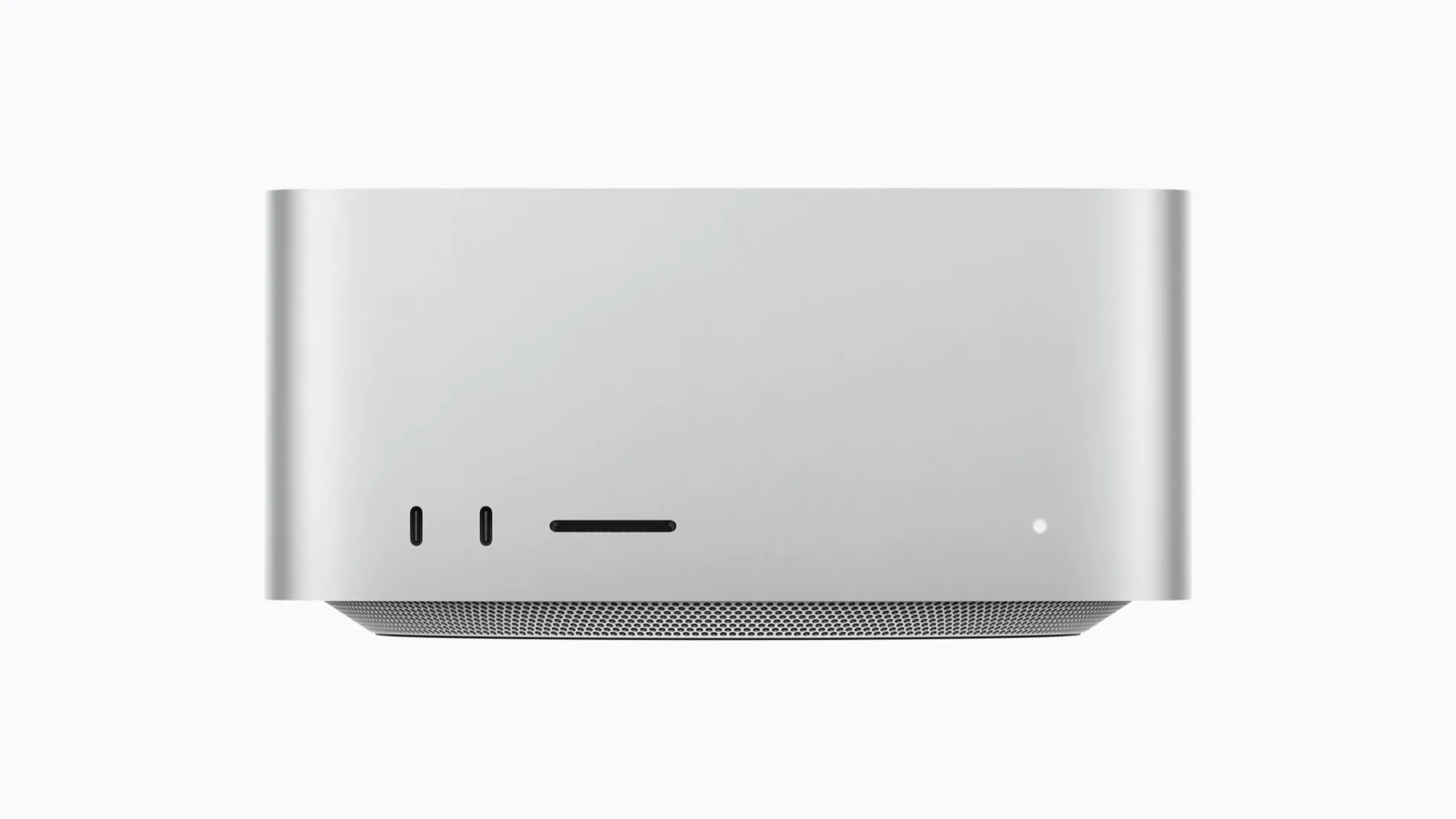
The Mac Studio is the Mac that’s easy to talk yourself into. It’s Apple’s most powerful desktop, with the new M5 Ultra chip and up to 512GB of memory, in a box small enough to sit beside a monitor. Prices start at $4,299 and climb quickly as you add upgrades, and it’s tempting to think all that power would make your own work faster.
For almost everyone, it wouldn’t. The Mac Studio earns its price for people who export video every day or run large AI models on their own hardware, ideally with an employer or business paying. For everyone else, a Mac mini does everything they need for a fraction of the price.
My own desk computer is an M6 Mac mini, and I’ve yet to find a job it can’t handle. This guide covers who the Mac Studio is really for, how the M5 Max and M5 Ultra differ, and where a Mac mini is the smarter buy.
Who it’s for
The Mac Studio is a tool for people whose time is money. Video editors and colourists who export and render all day will feel the difference every hour. So will people running large AI models locally, where memory is everything: the M5 Ultra can be configured with up to 512GB, enough to run models that would otherwise need a server. It also suits 3D work, music production and scientific computing that can use every core it’s given.
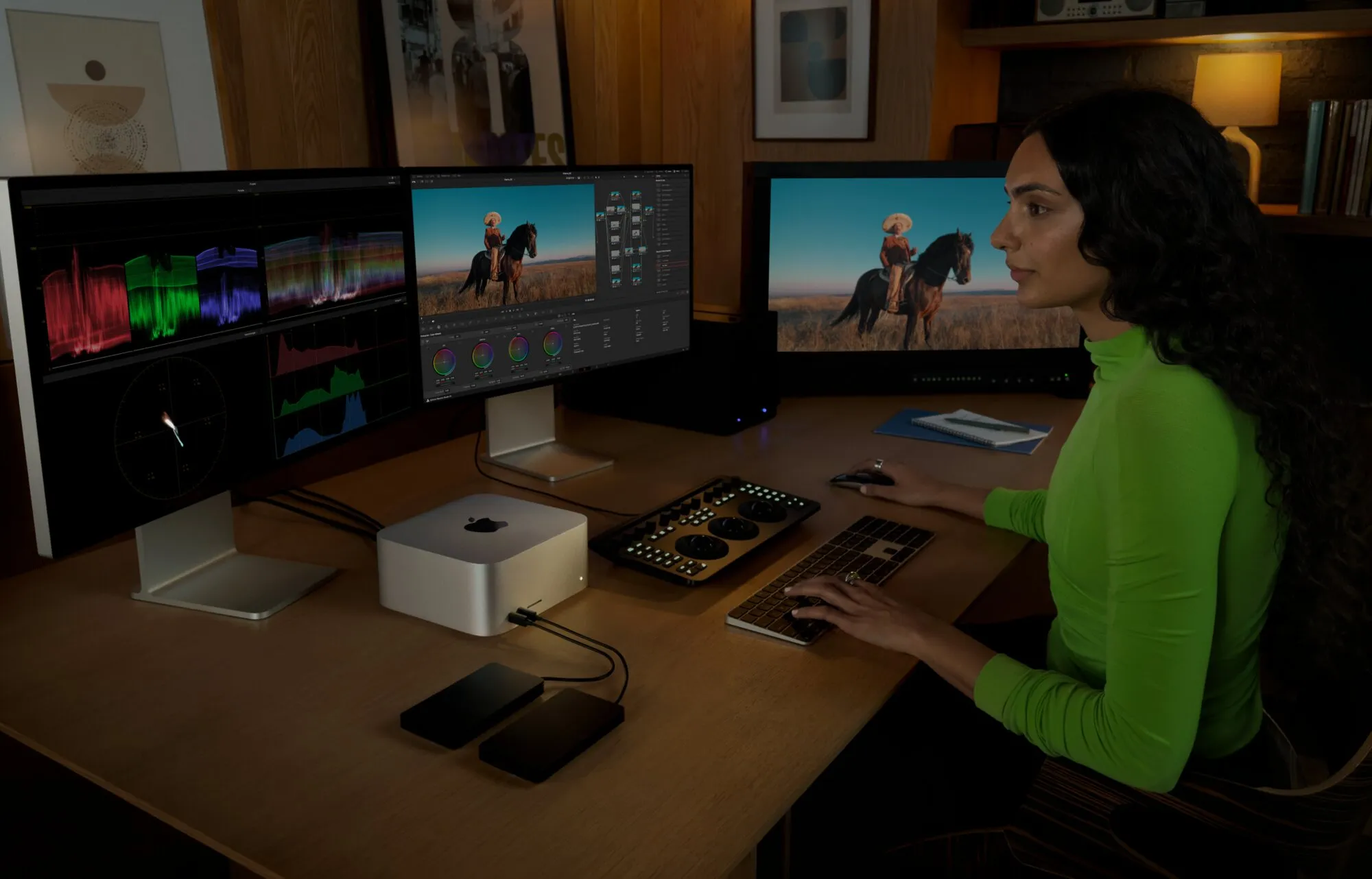
A Mac Studio running three displays for video work. Image: Apple
If you’re not sure whether you need one, that’s usually the answer.
M5 Max or M5 Ultra
The M5 Max version comes in two models. The $4,299 model has a 32-core GPU and 36GB of memory, and that memory can’t be increased. The $5,199 model has a 40-core GPU and can be configured with 48GB, 64GB or 128GB. Both start with 512GB of storage and go up to 8TB.
The $5,199 model is the one most Mac Studio buyers should choose. Memory is usually the reason to pick a Studio over a Mac mini, and the cheaper model’s 36GB is less than a Mac mini can take. With 64GB or more, the M5 Max covers most professional video and photo work.
The M5 Ultra version starts at $9,499 with 96GB of memory and 1TB of storage. The 256GB and 512GB memory options need the $11,449 model, with its full 80-core GPU, and storage goes up to 16TB. It’s Apple’s first M-series chip built from four dies, with much more graphics power than the M5 Max. Apple says it has up to 4.3 times the peak AI computing power of the M3 Ultra. Apple also lets you link up to four Mac Studios to run AI models across them, which says a lot about who the Ultra is really aimed at.
What you get
For a computer this powerful, the Mac Studio is still small: 19.7cm square, weighing 2.7kg with the M5 Max or 3.6kg with the M5 Ultra. It has ports for almost anything, with four Thunderbolt 5 ports, two USB-A, HDMI and 10Gb Ethernet at the back, and an SD card slot and two more ports at the front: USB-C with the M5 Max, Thunderbolt 5 with the M5 Ultra. It drives up to five external displays with the M5 Max or eight with the M5 Ultra, and Wi-Fi 7 and Bluetooth 6 are new to this generation.
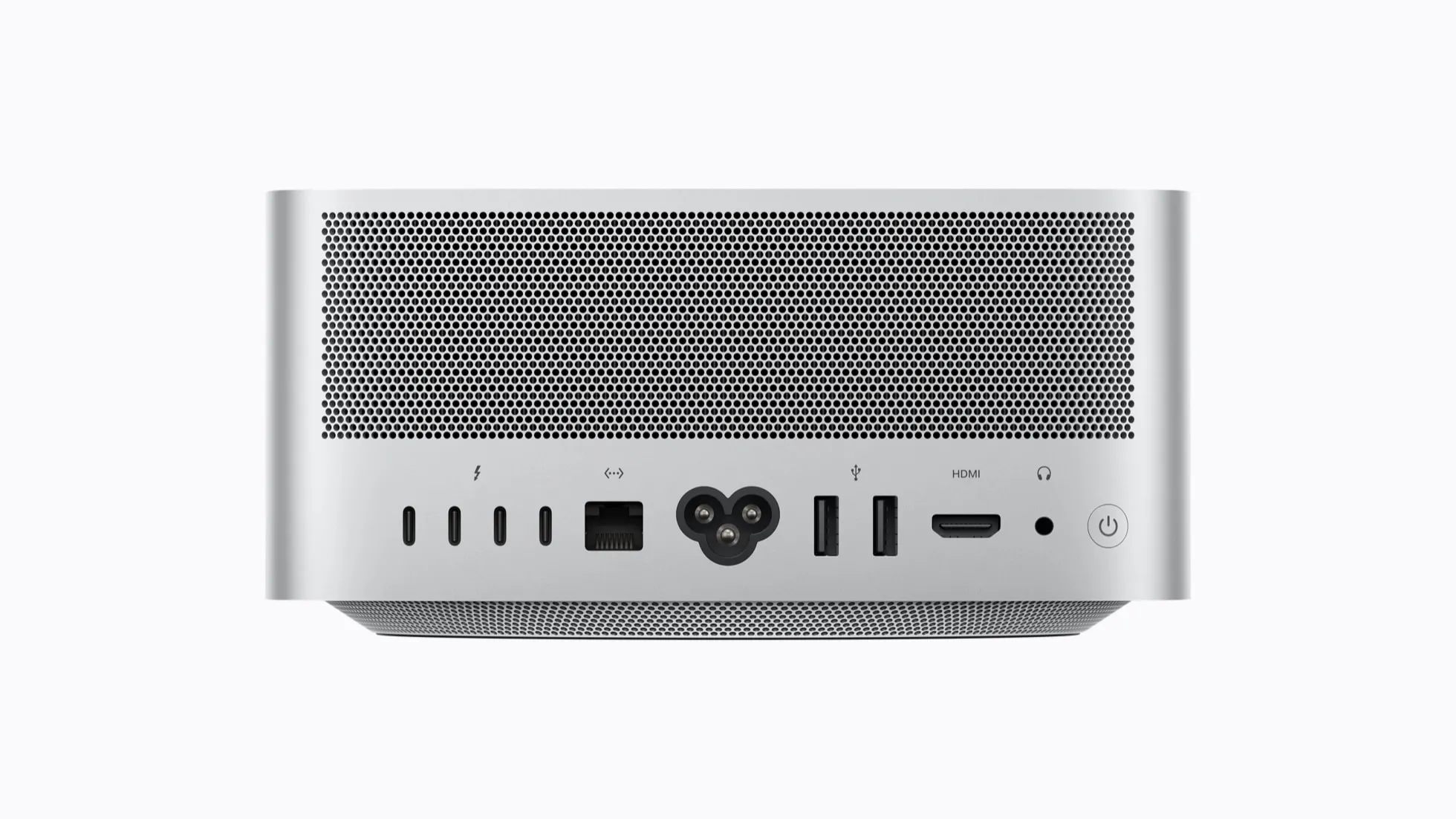
The rear ports. Photo: Apple
Full details are on Apple’s Mac Studio tech specs page.
Mac Studio or Mac mini?
For most people weighing up a Mac Studio, the real alternative is a Mac mini. With an M5 Pro, it starts at $2,699 and takes up to 64GB of memory, which covers software development, photo editing and a good deal of video work. That’s more memory than the cheapest Mac Studio can have.
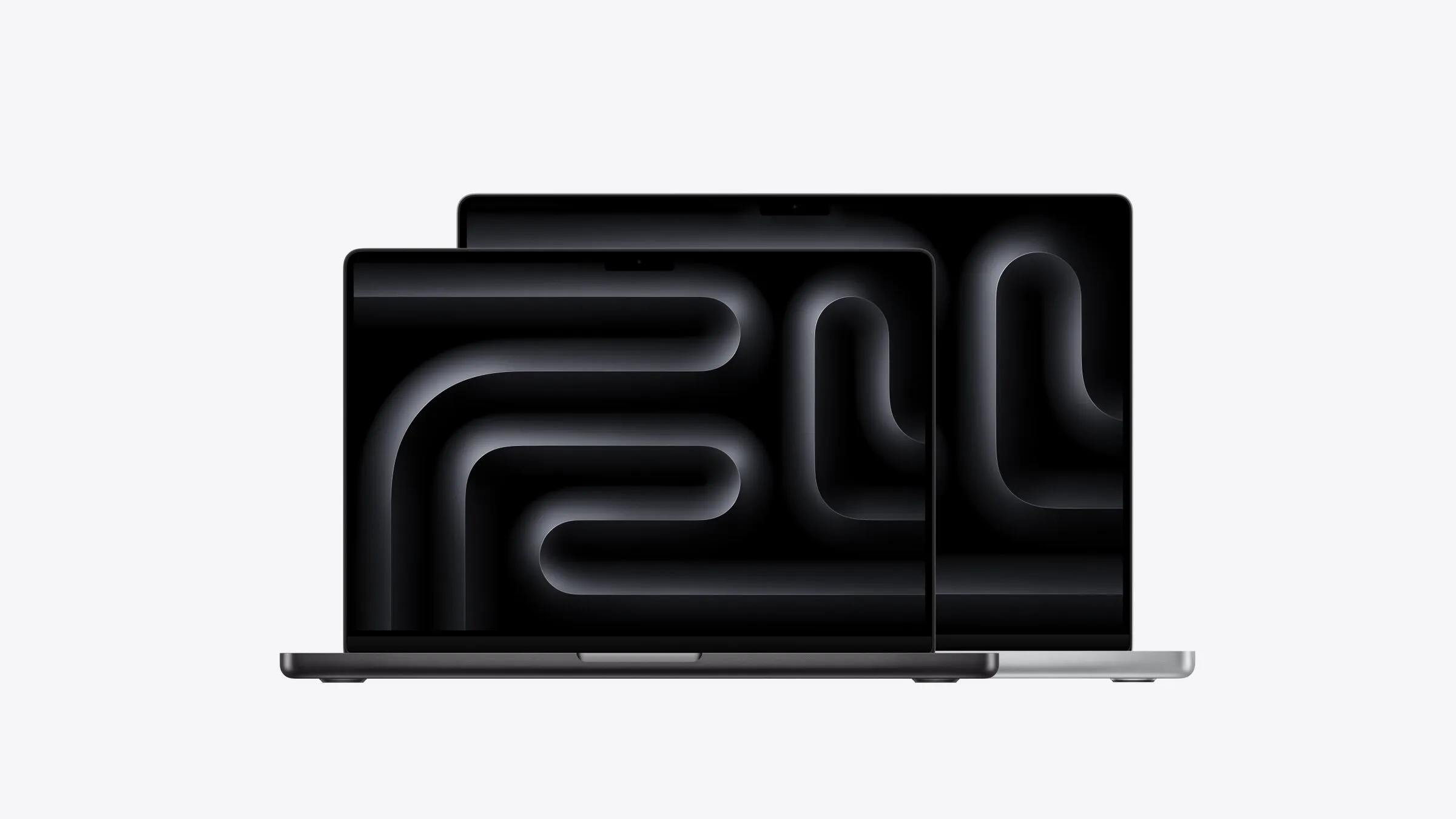
The Studio starts to make sense when you need the M5 Max’s graphics, more than 64GB of memory, or more ports and displays than a Mac mini can offer. For memory, that means the $5,199 model or above. Below that point, you’re paying for power that won’t get used. And if the work has to travel, a MacBook Pro with the M5 Max puts much of the same power in a laptop.
For the whole range, see which Mac to buy.
Previous models
The Mac Studio launched in 2022 with the M1 Max and M1 Ultra. The M2 Max and M2 Ultra followed in 2023, and the M4 Max and M3 Ultra in 2025.