M6 MacBook Pro: Who Actually Needs One
How the 14-inch M6, the M5 Pro and M5 Max models and the touchscreen PROLED compare, and how much memory a Pro needs.
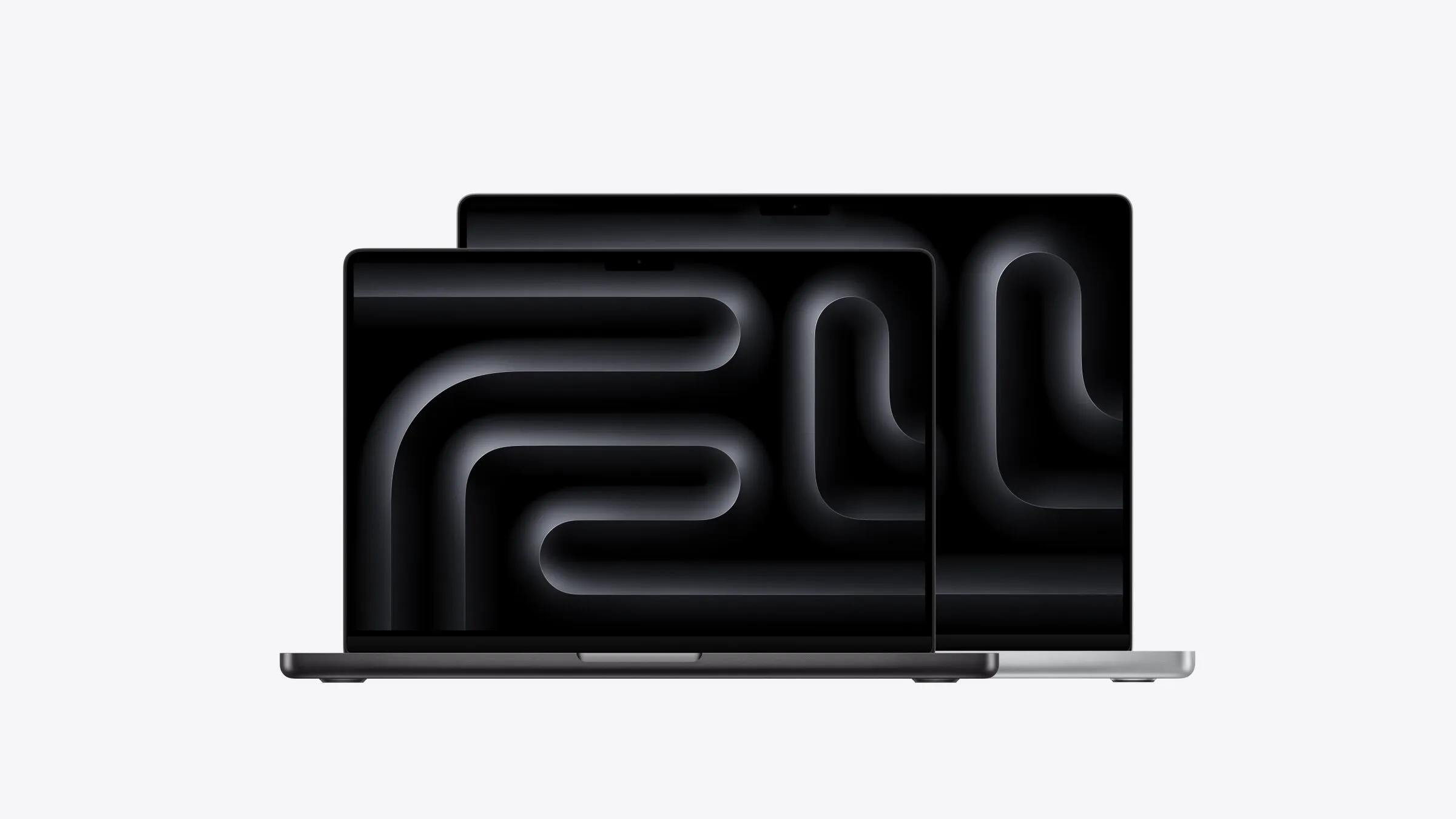
The MacBook Pro is the most capable laptop Apple makes, and right now the most complicated to choose. There are three versions on sale: a 14-inch with the new M6 chip, 14- and 16-inch models with the M5 Pro or M5 Max, and the new MacBook Pro with PROLED XDR display, which has an OLED touchscreen. Prices start at $3,199 and, for the top PROLED model, climb past $8,000 before you add any upgrades.
The bigger question is whether you need one at all. For video editing, software development and demanding creative work, the MacBook Pro is worth every dollar. For almost everyone else, including people who spend all day on a laptop for work, a MacBook Air is lighter, silent and at least $1,100 cheaper, and you won’t miss the extra power.
I’ve used a run of MacBook Pros through work, most recently an M4 with 24GB of memory, and for my browser-based office work it’s always been more laptop than I need. This guide covers who needs a Pro, how the three versions differ, and how much memory to buy.
Who it’s for
Pro users usually know who they are. The MacBook Pro earns its price when the work itself is demanding: editing video or large photo libraries and exporting them often, building software with containers or local AI models running alongside, or serious audio, 3D and design work in apps that use every core they’re given. For these people, faster exports and builds add up to real time saved every week.
The extra power doesn’t help with email, documents, video calls or a busy browser. Plenty of office workers end up with a Pro anyway, because it’s what work hands out. That’s how I’ve ended up with mine. It’s a good laptop, but an Air would do the same job and be easier to carry.
The three MacBook Pros
In short: the M6 is the entry point, the M5 Pro and M5 Max models are for heavy work, and the PROLED is the new premium option with a touchscreen.
14-inch with M6: the entry Pro
The 14-inch with M6 starts at $3,199, with 16GB to 32GB of memory and 1TB of storage as standard. Over a 13-inch Air, the extra $1,100 buys a brighter 120Hz screen, up to 24 hours of video playback, and more ports: HDMI and an SD card slot alongside three Thunderbolt 4 ports.
It’s the Pro for people who want the screen and ports more than the power, such as photographers doing lighter editing, designers, and anyone who plugs in cameras, cards and displays every day. With a 32GB memory limit, it’s not the one for heavy photo editing.
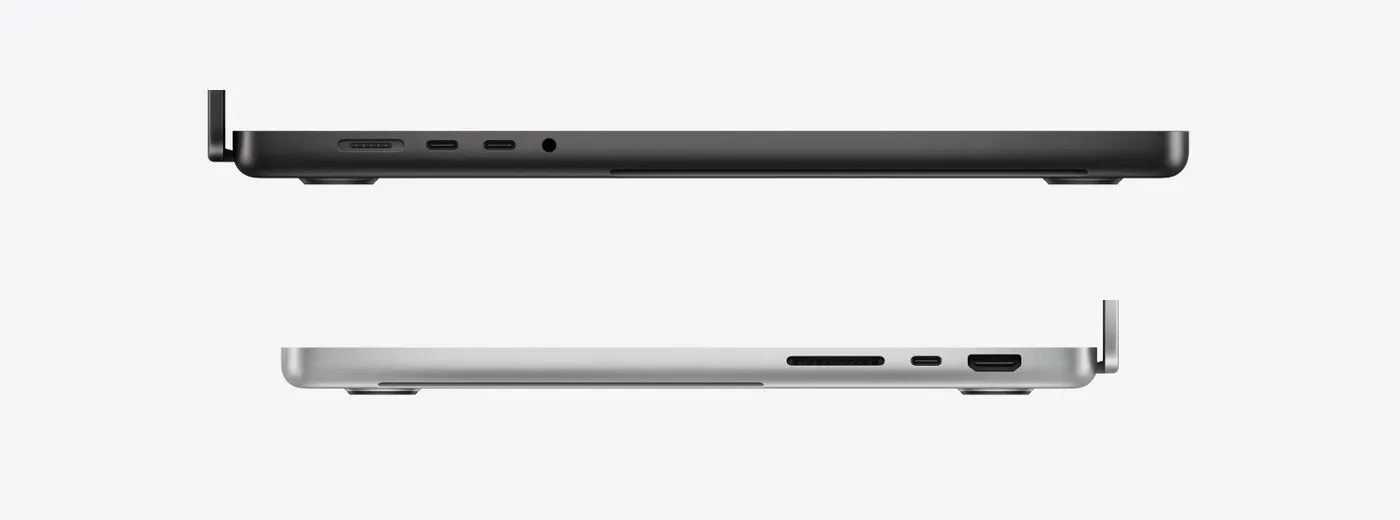
Ports on the left and right sides. Image: Apple
14- and 16-inch with M5 Pro or M5 Max: the workhorses
The 14-inch starts at $3,999 with the M5 Pro and $6,399 with the M5 Max, and the 16-inch at $4,799 and $6,999. They’re built for heavy, sustained work. They take up to 128GB of memory and 8TB of storage and use faster Thunderbolt 5 ports, and the M5 Max adds much more graphics power, which shortens video exports and 3D renders.
The M5 Pro, with up to 64GB of memory, is the sweet spot for developers and serious photo editing. The M5 Max, with up to 128GB, is for video editors and anyone running large AI models on the laptop. The 16-inch adds a bigger screen and longer battery life, up to 24 hours of video with the M5 Pro against 22 hours for the 14-inch, but at 2.14kg it’s a heavy laptop to carry daily.
PROLED XDR: the touchscreen model
The PROLED starts at $4,599 for the 14-inch and $5,499 for the 16-inch, $600 and $700 more than the standard models with the same M5 Pro chip. The top 16-inch with M5 Max costs $8,699. It uses the same M5 Pro and M5 Max chips, but with an OLED screen that’s brighter (up to 2,000 nits) with deeper blacks, in a thinner and lighter body, and storage goes up to 16TB. The 16-inch weighs 1.82kg, more than 300g less than the standard 16-inch. It’s also the first Mac with a touchscreen, and it brings the iPhone’s Dynamic Island to the Mac.
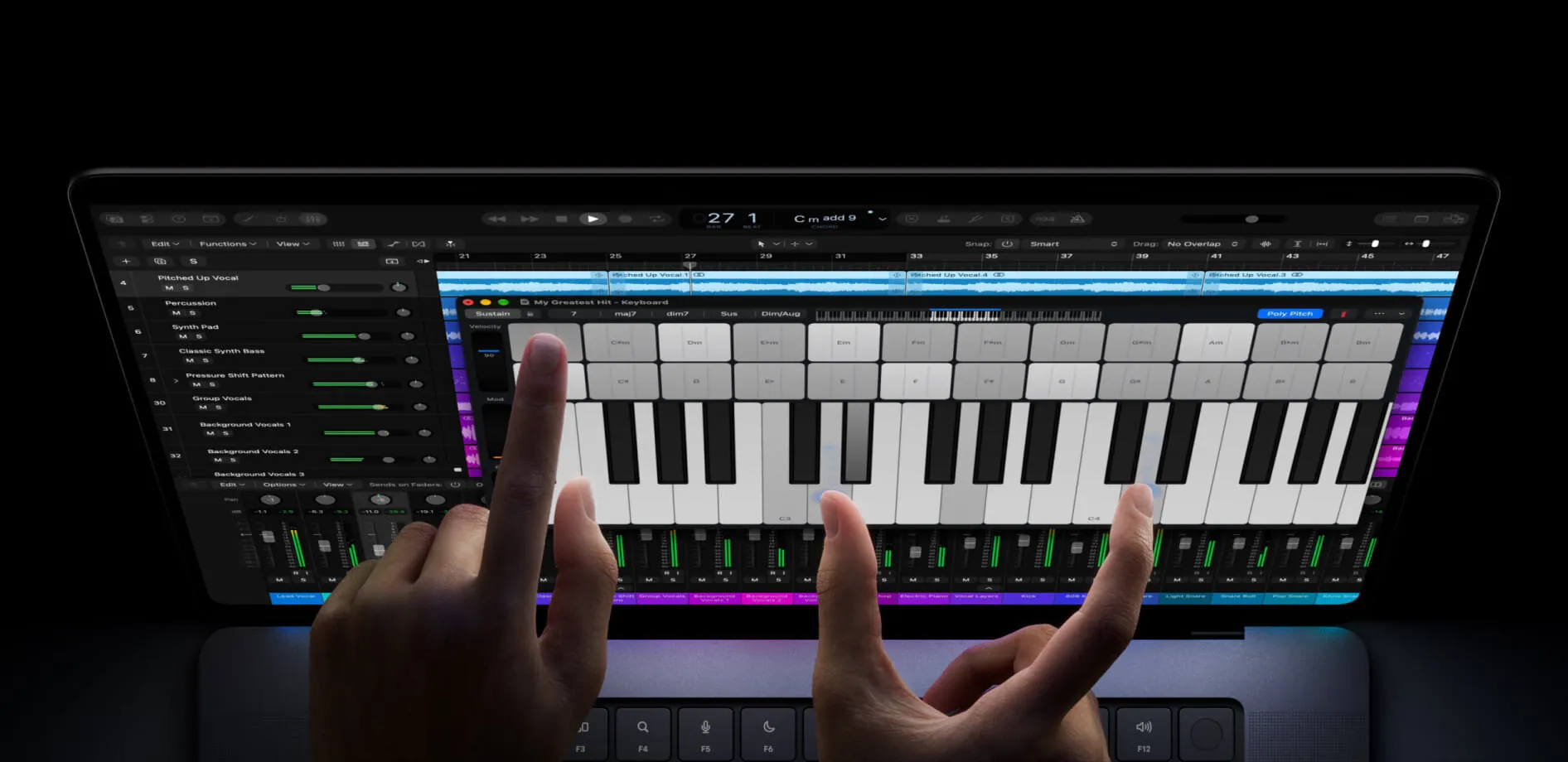
Touch on the PROLED MacBook Pro. Image: Apple
For anyone choosing a 16-inch Pro, the weight saving alone makes the extra $700 worth considering. Touch is new to macOS, though, so it’s worth waiting for real-world reviews before paying extra for that feature on its own.
How much memory
Memory matters even more on a Pro, because the work that justifies one is the work that fills memory fastest. 24GB is the sensible minimum, which on the M6 model means stepping up from the base 16GB. My work M4 has 24GB, and it has never slowed down on me. Software development, serious photo editing and running several heavy apps at once call for 48GB or 64GB, while 128GB is for large local AI models and heavy video work. As with every current Mac, memory can’t be added later.
Specs and prices
| 14” M6 | 14” / 16” M5 Pro or Max | 14” / 16” PROLED | |
|---|---|---|---|
| Memory | 16GB to 32GB | 24GB to 128GB | 24GB to 128GB |
| Storage | 1TB to 4TB | 1TB to 8TB | 1TB to 16TB |
| Ports | 3 × Thunderbolt 4, HDMI, SD, MagSafe | 3 × Thunderbolt 5, HDMI, SD, MagSafe | 3 × Thunderbolt 5, HDMI, SD, MagSafe |
| Weight | 1.55kg | 1.60kg / 2.14kg | 1.38kg / 1.82kg |
| Price | From $3,199 | From $3,999 / $4,799 | From $4,599 / $5,499 |
Full details are on Apple’s MacBook Pro tech specs and PROLED XDR specs pages.
The alternatives
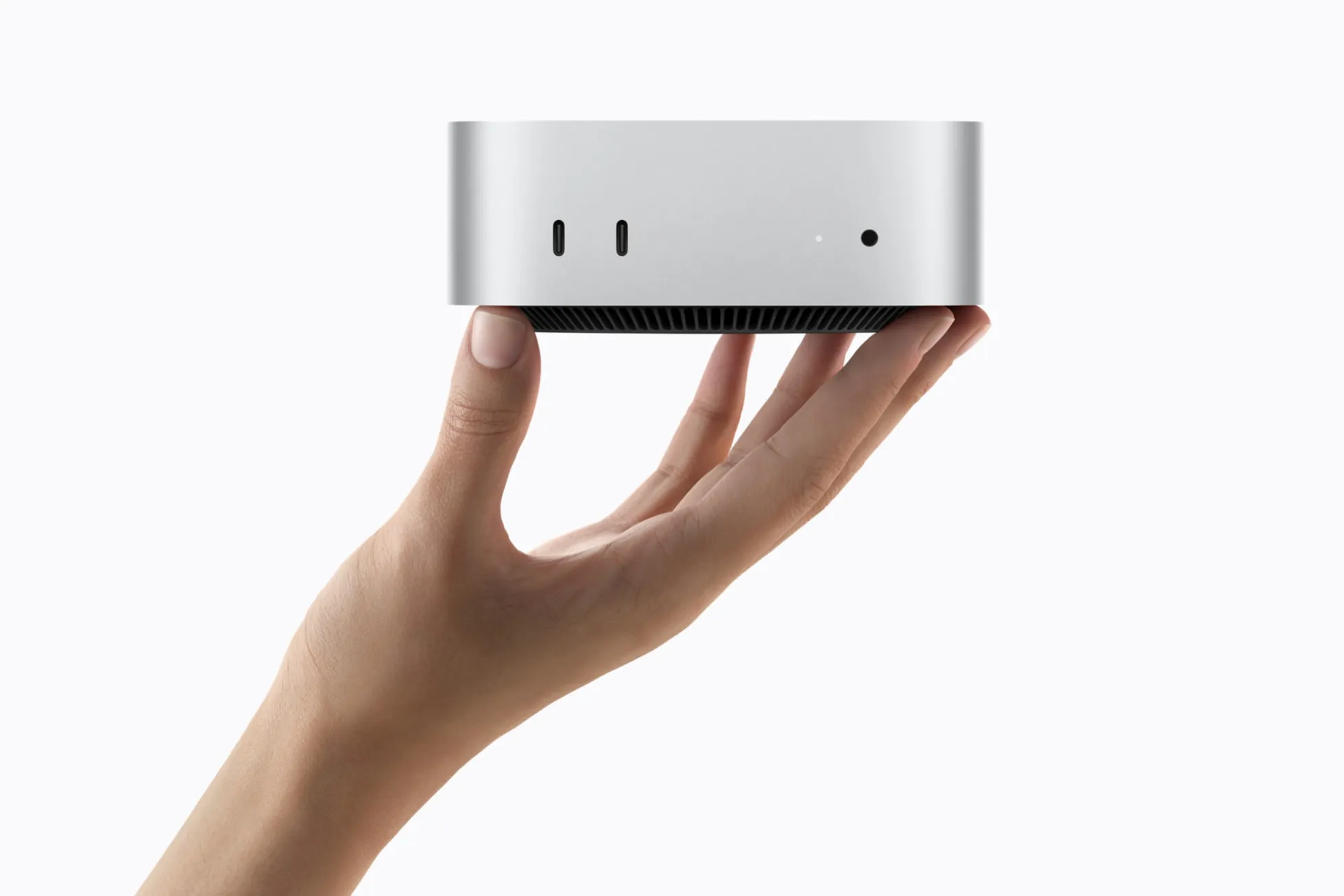
For most people reading this, the MacBook Air is the better laptop. If your demanding work happens at a desk, a Mac mini with an M5 Pro gives you much of the same power for less, and pairs well with an Air for travel. For the very heaviest video and AI work, the Mac Studio goes further still, as long as it doesn’t need to move.
For the whole range, see which Mac to buy.
Previous models
Any MacBook Pro with an Apple chip and 16GB of memory or more is still very capable. A refurbished or second-hand 14- or 16-inch model with an M1 Pro or later is a good way to get the Pro’s screen and ports for less. Avoid the 8GB versions, which include the 13-inch M1 and M2 and the base 14-inch M3.
The 14- and 16-inch design arrived with the M1 Pro and M1 Max in 2021, and the M2, M3 and M4 families followed between 2023 and 2024, then the 14-inch M5 in 2025.